
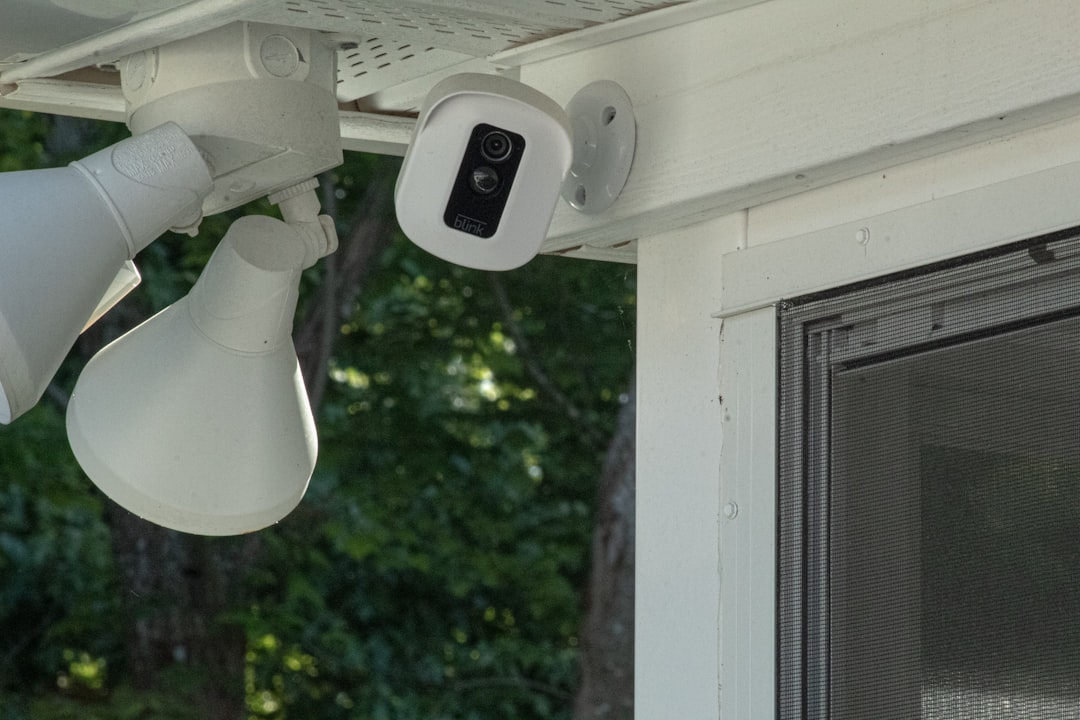
Blink security cameras are designed to provide clear visual feedback through small LED indicators, and one of the most commonly noticed signals is the blinking red light. While it may seem alarming at first, a blinking red light does not always indicate a serious problem. In many cases, it is simply the camera communicating its current status, such as recording, connecting to Wi-Fi, or experiencing a temporary issue.
TL;DR: A blinking red light on a Blink camera can indicate recording, low battery, Wi-Fi connection issues, or setup mode. The meaning depends on the blinking pattern and when it appears. Most red light issues can be resolved by checking batteries, restarting the camera, improving Wi-Fi strength, or re-syncing the device. Understanding the blink patterns helps quickly diagnose and fix the issue.
Understanding what each blinking pattern means can save time and prevent unnecessary troubleshooting. This guide explains the various red light statuses, common error states, and the steps needed to resolve them effectively.
What Does a Blink Camera Blinking Red Light Mean?
The red LED on a Blink camera serves multiple purposes. Depending on the model (Blink Outdoor, Blink Indoor, Blink Mini, or older XT series), the light may behave slightly differently. However, most blinking red light patterns fall into the following categories:
- Recording indicator
- Low battery warning
- Wi-Fi connection failure
- Sync module communication issue
- Setup mode indication
Identifying when the red light appears and how it blinks is the key to determining the root cause.
Red Light While Recording
When motion is detected and the camera starts recording, some Blink models flash a red light briefly. This is completely normal. It serves as a status indicator that recording is active.
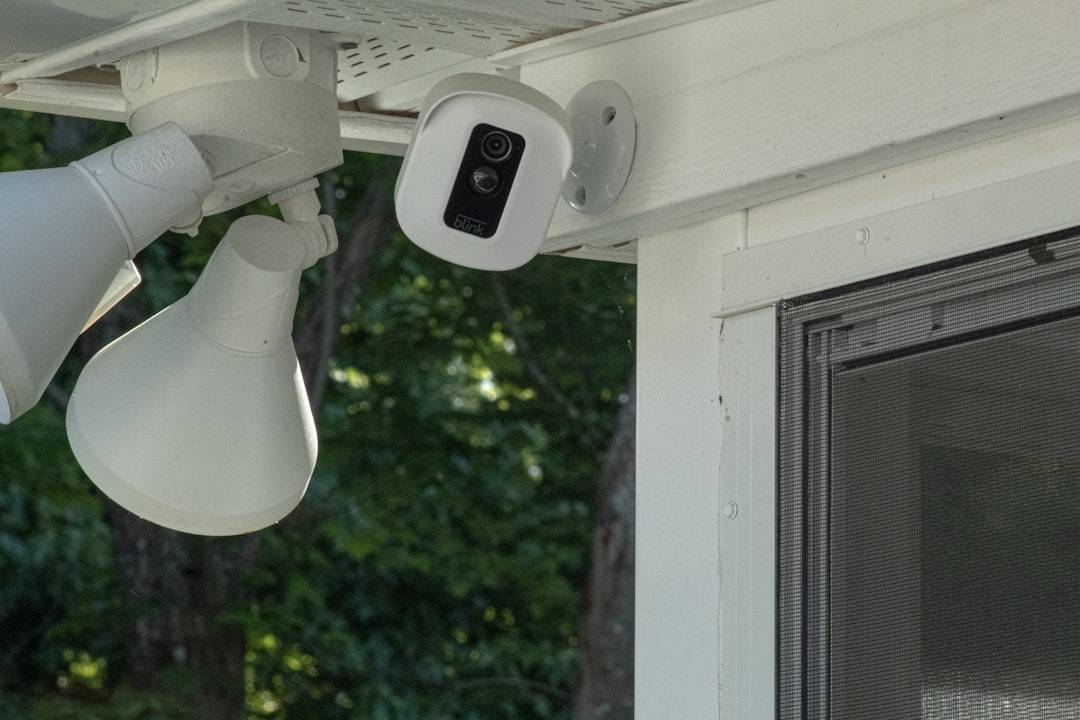
Users who prefer more discreet surveillance should note that not all models allow the recording LED to be disabled. On certain devices, particularly older XT and XT2 units, the recording indicator is a built-in transparency feature.
What to Do:
- No action required if it occurs only during motion events.
- Check settings in the Blink app to see if LED controls are available on your specific model.
Blinking Red Light During Setup
If the red light blinks when first installing the camera, it often indicates that the device is in setup mode. During this stage, the camera is attempting to connect to Wi-Fi or sync with the Blink Sync Module.
This is especially common after:
- Installing new batteries
- Resetting the camera
- Adding the device to the Blink app for the first time
How to Fix Setup Issues:
- Ensure the Wi-Fi password is entered correctly.
- Place the camera within range of the router or Sync Module.
- Restart the router before retrying setup.
- Replace batteries with fresh AA lithium batteries if problems persist.
Setup blinking should stop once the camera successfully connects to the network.
Red Blinking Light and Wi-Fi Connection Failure
One of the most common concerns is a red light blinking repeatedly due to connectivity problems. This typically means the camera cannot communicate with the Sync Module or Wi-Fi network.
Common causes include:
- Weak signal strength
- Router interference
- Incorrect network credentials
- Temporary internet outage
Troubleshooting Steps:
- Move the camera closer to the Sync Module.
- Reboot the router and modem.
- Power cycle the Sync Module.
- Check the Blink app for signal strength indicators.
- Reduce interference from metal objects or thick walls.
If relocating the camera resolves the issue, consider adding a Wi-Fi extender to improve coverage.
Low Battery Warning
A blinking red light can also indicate low battery power. Blink cameras are designed to use AA lithium batteries for optimal performance and longevity. Using alkaline batteries may lead to shorter life and inconsistent behavior.
Signs that battery issues may be causing the blinking red light:
- Frequent disconnections
- Delayed motion alerts
- Camera appearing offline
- Red LED flashing unexpectedly
How to Fix Battery-Related Red Lights:
- Replace both batteries with new lithium AA batteries.
- Avoid mixing old and new batteries.
- Check battery orientation inside the compartment.
- Ensure battery contacts are clean and free of corrosion.
Once fresh batteries are installed, the blinking red light should stop unless another issue is present.
Sync Module Communication Errors
Blink cameras connect through a Sync Module (except certain Mini models). A blinking red light may indicate the camera is struggling to pair or maintain communication with the module.
Possible reasons include:
- Sync Module offline
- Firmware update failure
- Network configuration changes
Steps to Resolve Sync Issues:
- Check the Sync Module’s LED status.
- Unplug the module for 10 seconds and reconnect it.
- Ensure it is connected to the correct Wi-Fi band (2.4 GHz).
- Remove the camera from the app and re-add it if necessary.
Keeping firmware updated can prevent recurring communication errors.
Solid Red Light vs. Blinking Red Light
It is important to distinguish between a blinking red light and a solid red light. While blinking usually indicates activity or connection attempts, a solid red light may point toward:
- Camera malfunction
- Failed firmware update
- Critical system error
If a solid red light persists:
- Perform a full power cycle (remove batteries for 30 seconds).
- Reset the camera using the reset button.
- Contact Blink support if the issue remains unresolved.
Environmental Factors That Trigger Red Light Errors
External conditions can also contribute to blinking red light behavior. Extreme heat, freezing temperatures, and excessive moisture may affect performance.

To prevent environment-related issues:
- Install cameras within recommended temperature ranges.
- Use weather-resistant mounts.
- Protect against direct heavy rainfall where possible.
- Regularly inspect housing for damage.
Harsh conditions may accelerate battery drain, which indirectly causes red blinking warnings.
When to Reset the Blink Camera
If basic troubleshooting fails, a factory reset may resolve persistent blinking red light problems. Resetting clears stored network configurations and forces a fresh setup.
How to Reset:
- Locate the reset button (usually near the battery compartment).
- Press and hold for 10–15 seconds.
- Wait for the LED pattern to change.
- Re-add the device in the Blink app.
Only reset when necessary, as it removes existing settings.
Preventing Future Red Light Issues
Preventive steps can reduce the chances of encountering blinking red light problems in the future:
- Use high-quality lithium batteries.
- Keep firmware updated.
- Maintain strong and stable Wi-Fi coverage.
- Position cameras within recommended distance from Sync Module.
- Perform occasional device restarts to clear minor glitches.
Proactive maintenance ensures smoother operation and fewer unexpected interruptions.
Frequently Asked Questions (FAQ)
Why is my Blink camera blinking red every few seconds?
This often indicates low battery or Wi-Fi connection issues. Check battery levels in the app and ensure the camera is within range of your router or Sync Module.
Does a blinking red light mean someone is watching the camera?
No. The red light may activate during recording or motion detection but does not specifically mean someone is actively viewing the live feed.
Can the red recording light be turned off?
This depends on the model. Some Blink cameras allow LED controls in the app, while others have fixed recording indicators that cannot be disabled.
Why is my Blink camera blinking red after changing batteries?
If the red light persists after a battery change, ensure lithium batteries were used and that they are correctly installed. If the issue continues, re-sync the camera.
Is a blinking red light a security risk?
No. The red light is a status indicator and does not mean the camera has been hacked. Most blinking patterns relate to connectivity, power, or recording status.
How do I stop the red light from blinking during setup?
Complete the setup process successfully by connecting the camera to a stable 2.4 GHz Wi-Fi network. Once paired, the blinking should stop.
When should I contact Blink support?
If the camera shows a persistent solid red light or continues blinking after trying battery replacement, resets, and network troubleshooting, contacting Blink support is recommended.
Understanding what a Blink camera blinking red light means eliminates guesswork and speeds up problem-solving. In most cases, the solution is simple—fresh batteries, improved Wi-Fi signal, or a quick reset. By recognizing the various patterns and knowing the right fixes, users can keep their home security system operating reliably and efficiently.