
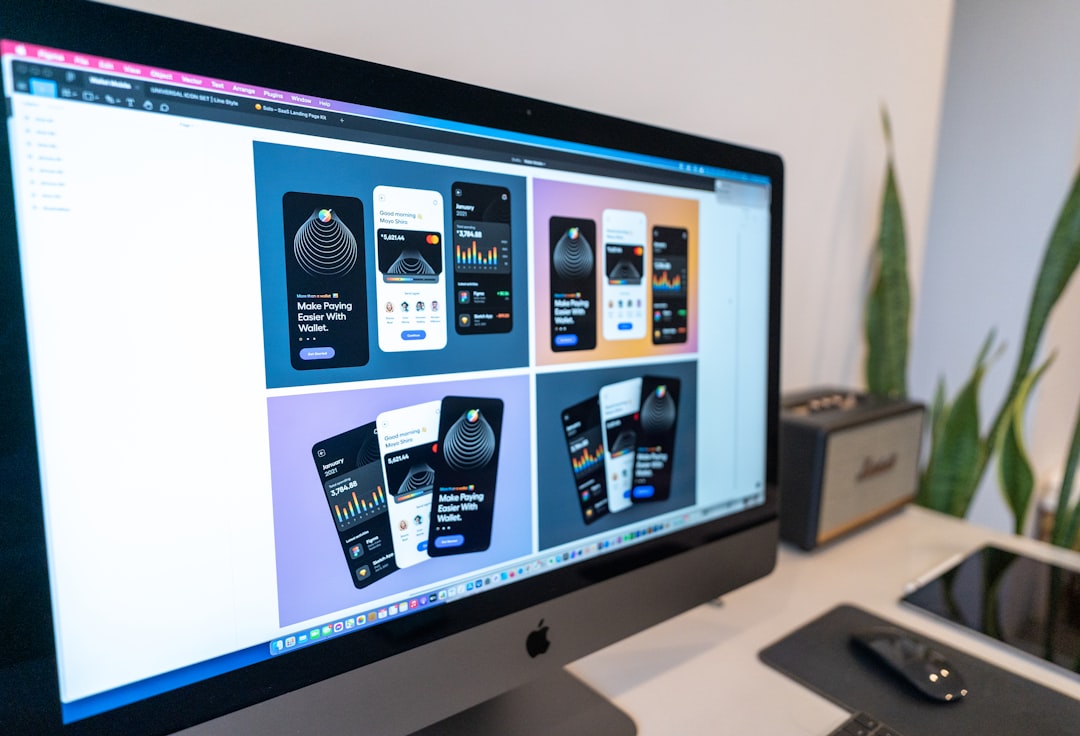
Mobile video editing has evolved from a niche hobby into a serious creative workflow for content creators, marketers, educators, and small businesses. While CapCut remains a popular choice due to its intuitive interface and feature-rich free plan, it is far from the only capable solution available. Many users seek alternatives because of watermark policies, performance concerns, limited export controls, or simply a desire for different creative tools. Fortunately, several budget-friendly mobile editing apps now rival premium desktop software in both precision and output quality.
TLDR: If you’re looking for affordable or free alternatives to CapCut, there are strong mobile options that deliver professional features without high subscription costs. Apps like VN Editor, InShot, KineMaster, Adobe Premiere Rush, PowerDirector, YouCut, and Filmora outperform expectations in terms of usability and creative control. Each offers unique strengths, from advanced timelines to social-first templates. Choosing the right one depends on your editing style, output needs, and budget.
Below is our Editor’s Choice list of seven budget-friendly CapCut alternatives that deserve serious consideration in 2026.
1. VN Video Editor
Best for: Creators who want professional timeline control without paying upfront.
VN Video Editor has quietly built a reputation as one of the most powerful free editing tools available on mobile. Its multi-layer timeline closely resembles desktop editing software, making it ideal for creators accustomed to more advanced workflows.
- No watermark on exports (even in the free version)
- Multi-track timeline for video, audio, and overlays
- Advanced keyframe animation
- Custom LUT support for color grading
While the interface may feel slightly technical for beginners, its learning curve is justified by the level of creative control offered. For serious mobile editors on a tight budget, VN is arguably the strongest CapCut alternative currently available.
2. InShot
Best for: Social media creators who prioritize speed and ease-of-use.
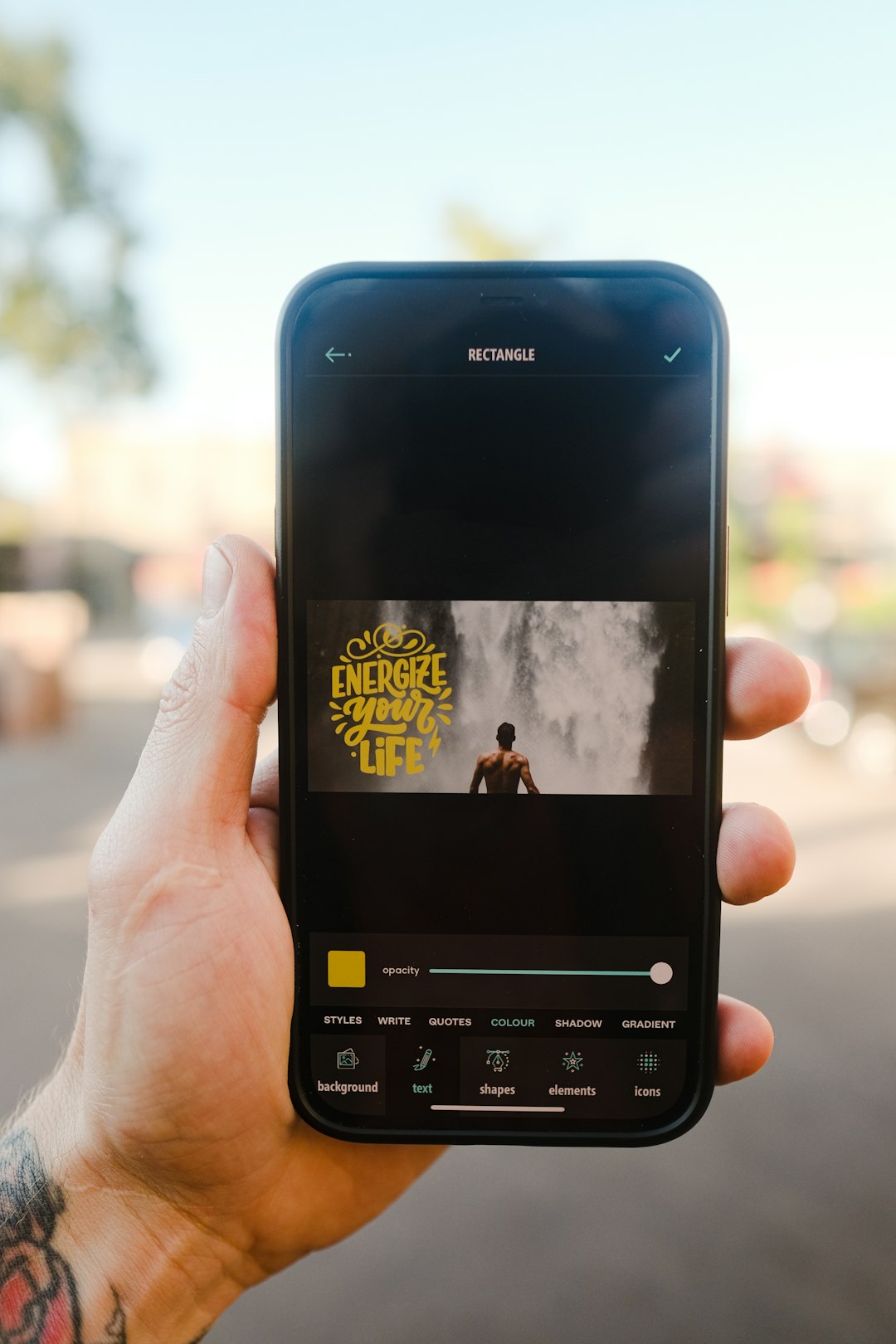
InShot is widely known for its clean interface and social-first design. It simplifies the editing process while still offering essential tools like trimming, transitions, filters, speed controls, and layered text.
- Optimized export ratios for TikTok, Instagram, and YouTube
- Large music and sound effect library
- Simple, beginner-friendly interface
- Affordable one-time purchase option to remove watermark
Compared to CapCut, InShot sacrifices some advanced compositing features. However, its streamlined workflow makes it exceptionally efficient for business owners and casual creators producing high-volume content.
3. KineMaster
Best for: Intermediate editors who want advanced tools on mobile.
KineMaster has long been considered one of the most capable mobile editing apps. It offers robust layer controls, blending modes, chroma key (green screen), and precision trimming.
- Frame-by-frame trimming
- Chroma key for background removal
- Audio mixing and EQ tools
- Asset store for effects and transitions
The free version includes a watermark, but its subscription cost remains competitive relative to desktop software. If CapCut’s interface feels too simplified, KineMaster provides deeper control without becoming overly technical.
4. Adobe Premiere Rush
Best for: Cross-platform creators who work between mobile and desktop.
Adobe Premiere Rush offers a scaled-down but powerful version of Adobe’s professional editing ecosystem. It is particularly strong for creators who want seamless integration with desktop Premiere Pro.
- Cloud syncing across devices
- Advanced color presets
- Multi-track editing
- Direct publishing to social platforms
While slightly more expensive than some purely mobile competitors, Premiere Rush offers reliability and brand-backed performance. Its clean, structured interface appeals to professionals who require consistency.

5. PowerDirector
Best for: High-performance mobile editing with advanced effects.
PowerDirector stands out for its rendering speed and feature set. Frequently updated, it includes AI tools such as motion tracking, background removal, and smart transitions.
- 4K export support
- AI-powered tools
- Wide range of transitions and overlays
- Frequent feature updates
The subscription pricing is competitive, particularly considering the number of advanced capabilities included. For users who want desktop-like functionality directly from their smartphone, PowerDirector is a compelling CapCut alternative.
6. YouCut
Best for: Lightweight editing on budget devices.
YouCut excels in simplicity and performance efficiency. It consumes fewer system resources than many competitors, making it ideal for older smartphones.
- No watermark (free version)
- Integrated compressor to reduce file size
- Basic transitions and filters
- Extremely beginner-friendly interface
Although it lacks some advanced keyframe and animation tools, YouCut’s minimal footprint makes it reliable for quick social content or short-form clips.
7. Filmora (Mobile Version)
Best for: Template-driven creators who want polished results fast.
Filmora’s mobile app focuses on providing stylistic templates and automatic editing capabilities. It is particularly useful for users who prioritize aesthetics over manual customization.
- Pre-designed templates
- AI auto-edit tools
- Rich music and effects library
- Beginner-friendly workflow
While Filmora may not appeal to editors seeking fine-grained control, it is highly effective for businesses and influencers looking to produce visually engaging videos quickly.
Image not found in postmeta
Feature Comparison Chart
| App | Watermark Free Version | 4K Export | Advanced Timeline | Best For | Pricing Model |
|---|---|---|---|---|---|
| VN Editor | Yes | Yes | Yes | Professional free editing | Free + optional upgrades |
| InShot | No (paid removal) | Yes | Limited | Social content | Freemium / One-time purchase |
| KineMaster | No (subscription) | Yes | Yes | Advanced mobile editing | Subscription |
| Premiere Rush | Limited free | Yes | Yes | Cross-platform creators | Subscription |
| PowerDirector | Limited free | Yes | Yes | High-performance editing | Subscription |
| YouCut | Yes | Limited | No | Quick edits, low storage devices | Free + optional premium |
| Filmora | Limited free | Yes | Moderate | Template-driven creators | Freemium / Subscription |
How to Choose the Right Alternative
Selecting a CapCut alternative should not be based solely on popularity or price. Instead, consider the following criteria:
- Device performance: Older devices may require lightweight apps like YouCut.
- Editing complexity: Advanced timelines favor VN, KineMaster, or PowerDirector.
- Watermark policy: If watermark-free exports are essential, VN and YouCut stand out.
- Cross-device workflow: Premiere Rush offers strong cloud integration.
- Content style: Template-heavy projects may benefit from Filmora.
Budget-conscious creators should also evaluate whether a one-time purchase or subscription aligns better with their production volume.
Final Thoughts
The landscape of mobile video editing is more competitive than ever. CapCut remains influential, but it no longer dominates the market uncontested. High-quality alternatives now offer specialized advantages, from AI-powered automation to desktop-grade timeline precision.
What distinguishes the strongest editors is not merely their price, but their balance between usability, control, and export quality. VN Editor currently leads in delivering professional-grade functionality without mandatory costs, while KineMaster and PowerDirector appeal to users who are ready to invest in more sophisticated outputs.
Ultimately, the best budget-friendly CapCut alternative depends on your production goals. For creators who value efficiency and reliability without compromising visual quality, the seven options above represent the most dependable mobile editing platforms available today.