
Ever feel like your phone knows a little too much about you? Maybe it’s the ads that follow you across apps. Or the way your location seems tracked no matter what you do. Privacy on mobile is tricky. But luckily, there’s a powerful tool that can help: VPNs.
TLDR: Want better privacy across all your devices? VPNs are your new best friend. They protect your internet activity whether you’re on your phone or laptop. Easy to use and super effective, VPNs are how you take control of your digital life. Let’s dive in!
What’s the Deal with Mobile Privacy?
Your Android phone is like a pocket-sized computer. And just like your desktop or laptop, it connects to the internet. That means it shares a lot of data—some you know about, and some you don’t.
Apps can:
- Track your location
- Read your browsing activity
- Use your camera or microphone
- Sell your data to advertisers
Spooky, right? But wait—same goes for desktops too. The privacy threats are different, but both devices are vulnerable.
Where VPNs Come in
Imagine you could build a secure tunnel between your device and the internet. That’s what a VPN—or Virtual Private Network—does.
VPNs work by:
- Encrypting your data so others can’t read it
- Hiding your IP address so your location is private
- Stopping snooping by hackers, internet providers, and apps
And the best part? VPNs work equally well on mobile and desktop. Total win.
Bridging the Gap: Android to Desktop
Many people protect their desktop—but forget their phones. That creates a privacy gap. Your phone and computer should work together, not double-cross you.
Using a VPN on both devices bridges that gap. You get consistent protection whether you’re:
- Streaming video at home
- Browsing social media at a café
- Shopping online on your phone
With a VPN active on all devices, you’re always covered. No weak links.
Okay, But Is It Easy to Use?
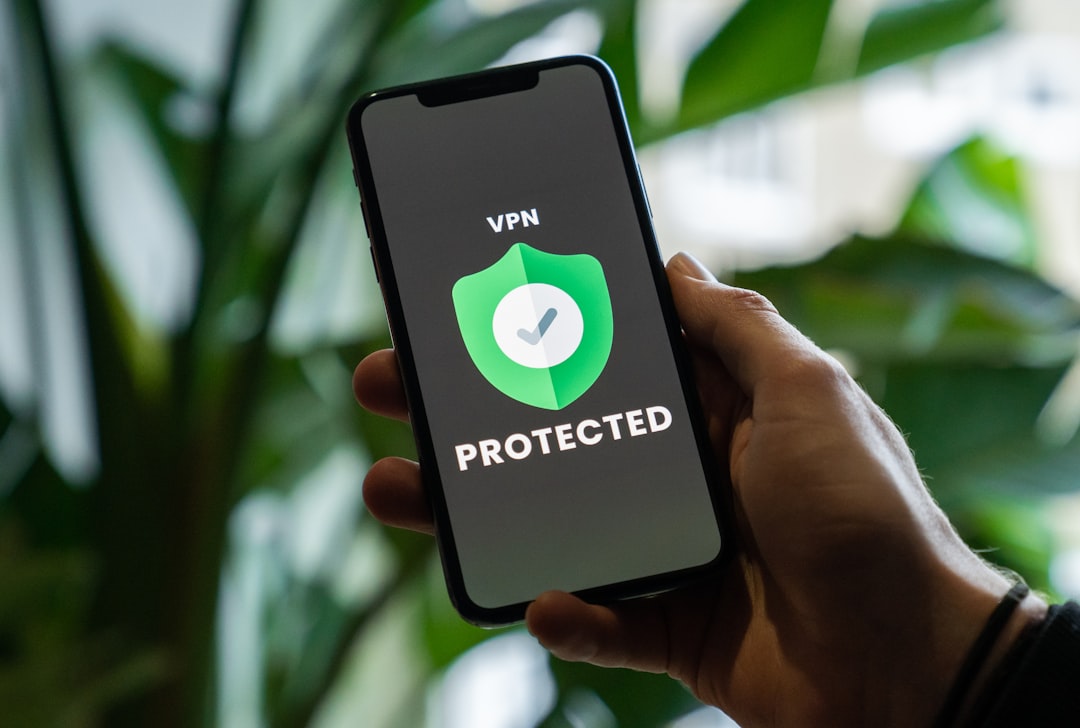
Good news: VPNs aren’t just for tech ninjas anymore. Most services are super easy to use. Here’s how simple it can be:
- Download the VPN app on your Android phone and desktop.
- Log in with your account.
- Tap “Connect.”
That’s it. You’re protected. Really!
Most VPN providers keep things beginner-friendly. Some even let you auto-connect when you join Wi-Fi. So you don’t have to think about it.
When Should You Use a VPN?
You might want to leave your VPN on all the time. But some situations really need it:
- Public Wi-Fi: Airports, coffee shops, hotels—these hotspots are privacy nightmares.
- Work Stuff: Sending messages, checking documents, and sharing files can stay private.
- Traveling Abroad: Access websites as if you’re still in your own country. Bonus: watch your favorite shows from anywhere!
Using a VPN consistently helps build good digital habits. Plus, it feels good to enjoy wifi at that café without worrying about creepers on the network.
VPN Features to Look For
Not all VPNs are created equal. When choosing one, check for these features:
- Cross-device compatibility: It should work on Android, Windows, macOS, and ideally on your smart TV too.
- No-logs policy: The VPN shouldn’t keep any records of what you do online.
- Kill switch: If the VPN disconnects, this blocks all internet activity until it’s safe again.
- Fast speeds: Privacy is great, but not if it slows your browsing to a crawl.
Many top VPNs offer free trials or money-back guarantees. Try a few before you commit!
One VPN, Many Devices
One of the best things about modern VPNs is that a single subscription can often protect multiple devices. So with one account, you can cover:
- Your Android phone
- Tablet
- Laptop or desktop
- Even your smart TV
This way, your whole digital life gets a privacy boost. Some VPNs even let you share the account with family.
What About Free VPNs?
Good question. Free VPNs are… a mixed bag. Some are okay. But many come with risks:
- They log your data and sell it
- They have limited server options and slow speeds
- They can be riddled with ads
If it’s free, you might be the product. So proceed with caution. The safest route? Invest a few bucks per month in a trusted VPN. Your privacy is worth it.
VPN Myths – Busted!
Let’s bust some common myths:
-
Myth: VPNs are illegal.
Truth: Totally legal in most countries. (Check your local laws) -
Myth: VPNs make you invisible.
Truth: They help a lot, but you still need smart browsing habits. -
Myth: Only hackers use VPNs.
Truth: Nope! Everyday folks use them for browsing, shopping, and staying safe.
Conclusion: Your Privacy, Handled
From Android to desktop and back again, your personal data deserves protection. VPNs are one of the easiest and smartest ways to boost privacy.
They’re easy to set up, affordable, and keep your info safe while you browse, stream, and work. And when you use them on both mobile and desktop, there’s no digital gap to fall through.
Go ahead. Set up your VPN. Lock the doors. Close the curtains. And browse like no one’s watching—because with a VPN, they aren’t.