
Podcasting has evolved from a niche hobby into a mainstream content channel used by educators, entrepreneurs, storytellers, and businesses alike. What once required specialized technical knowledge and expensive studio equipment can now be accomplished with intuitive, affordable, and even free digital tools. Modern podcasting software has transformed the production process, making content creation more accessible to beginners while still offering advanced capabilities for seasoned creators.
TLDR: Podcasting software has significantly lowered the barrier to entry for creators by simplifying recording, editing, publishing, and distribution. Many tools now offer user-friendly interfaces, AI-powered features, and cloud-based collaboration. Whether someone is a solo creator or part of a production team, today’s platforms provide scalable solutions for every skill level. Accessibility, affordability, and automation are redefining how podcasts are made.
The Evolution of Podcast Creation
In the early days of podcasting, creators relied heavily on professional audio engineers or spent countless hours learning complex audio editing software. The workflow was fragmented: recording with one tool, editing with another, then manually uploading files to hosting services. Today, integrated platforms streamline this process into a single ecosystem.
Modern podcasting software tends to focus on:
- Ease of use with drag-and-drop editors
- Automated sound enhancement such as noise reduction and leveling
- One-click publishing to multiple distribution platforms
- Remote recording capabilities
- Built-in analytics
These features reduce technical friction and allow creators to focus more on storytelling and strategy rather than troubleshooting audio settings.
Key Features That Improve Accessibility
Podcasting software has introduced several core innovations that make content creation easier and more inclusive.
1. Intuitive Interfaces
User interface design plays a central role in accessibility. Simplified dashboards, color-coded tracks, and real-time waveform previews help users understand their audio visually. Clear labeling and guided tutorials further support beginners who may be unfamiliar with audio terminology.
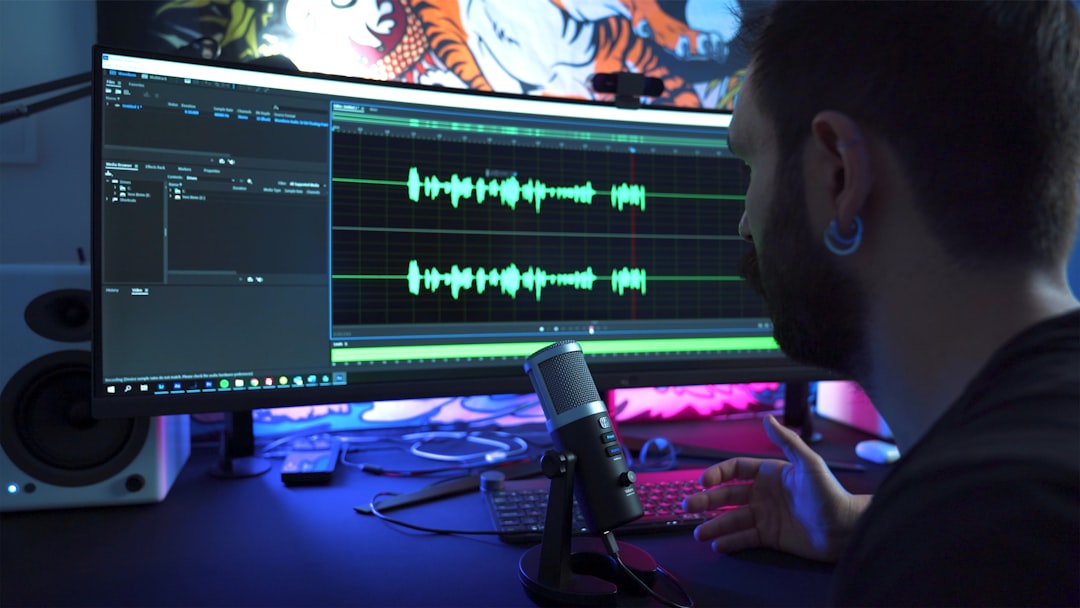
Some tools even include interactive walkthroughs that guide new users step by step through recording their first episode.
2. AI-Powered Enhancements
Artificial intelligence has transformed audio production. Many platforms now offer:
- Background noise removal
- Automatic volume leveling
- Silence detection and trimming
- Transcription services
These features reduce the amount of manual editing required. For creators without formal sound engineering skills, AI closes the quality gap between amateur and professional production.
3. Cloud-Based Collaboration
Remote work has amplified the need for collaborative tools. Cloud-based podcast software allows multiple contributors to access, edit, and comment on projects from different locations. This eliminates the need to send large audio files back and forth via email.
Teams can leave time-stamped feedback, track revisions, and maintain version history, which significantly improves workflow efficiency.
4. Built-In Publishing and Distribution
Distribution can often be the most intimidating part of launching a podcast. Many platforms now integrate hosting and syndication directly within the software. Creators can publish episodes to major streaming directories with minimal manual setup.
This one-stop approach reduces technical barriers and ensures consistent formatting across platforms.
Popular Podcasting Software Options
Several tools have emerged as leaders in accessible podcast production. Each platform offers unique features suited to different types of creators.
| Software | Best For | Key Features | Skill Level |
|---|---|---|---|
| Audacity | Budget-conscious beginners | Free, open source, multi-track editing | Beginner to Intermediate |
| GarageBand | Mac users | User-friendly interface, music integration | Beginner |
| Adobe Audition | Professional podcasters | Advanced editing tools, multi-track mixing | Advanced |
| Descript | Content creators and editors | Text-based editing, AI voice tools, transcription | Beginner to Intermediate |
| Riverside | Remote interview podcasts | High-quality remote recording, separate tracks | Beginner to Intermediate |
Lowering Equipment Barriers
Accessible software has minimized dependence on high-end hardware. While professional microphones and mixers can enhance sound quality, many modern tools are optimized to perform well even with basic USB microphones or built-in laptop mics.
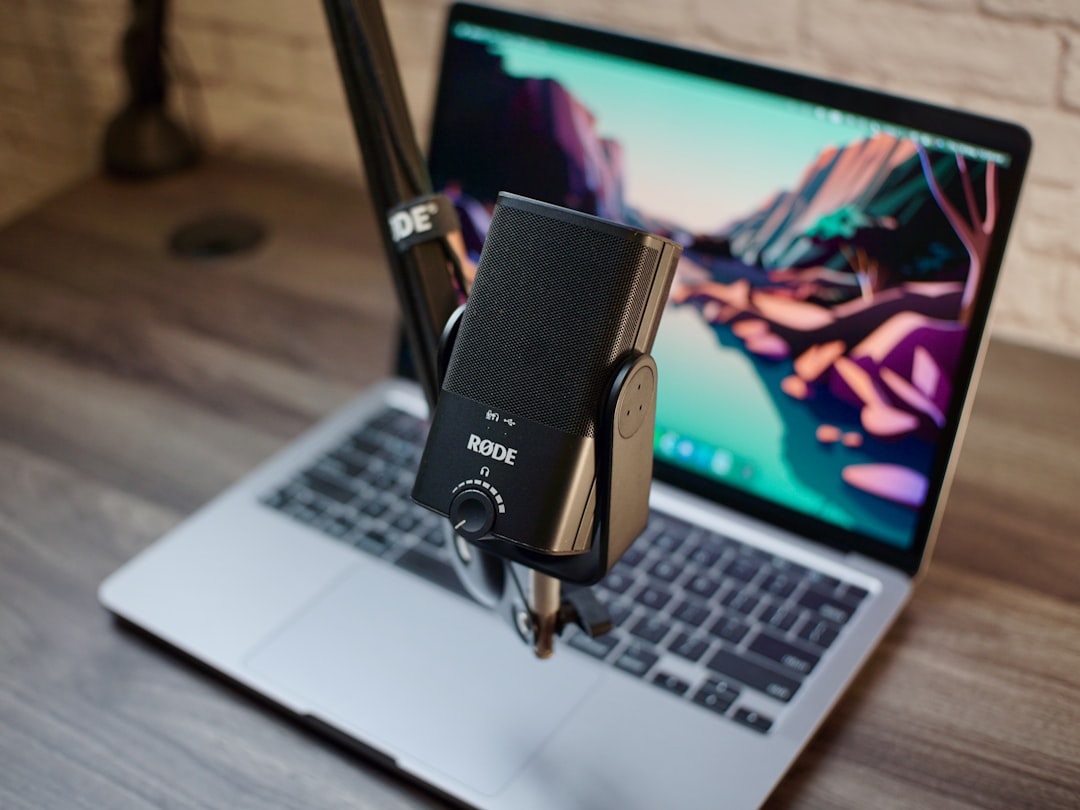
Some platforms include calibration tools that automatically adjust recording levels based on detected input quality. This democratizes podcasting by allowing creators to start with minimal investment.
Empowering Diverse Voices
Accessibility extends beyond technical convenience. Podcasting software supports inclusivity through features such as:
- Closed caption and transcript generation for hearing-impaired audiences
- Language translation integrations
- Speech-to-text editing for creators with mobility challenges
Text-based editing in particular has transformed accessibility. By allowing users to edit audio simply by modifying a transcript, the process becomes more intuitive and less dependent on precise waveform manipulation.
Cost-Effective Production Models
Affordability is another crucial accessibility factor. Many platforms operate on freemium models, offering limited functionality at no cost while reserving advanced features for paid tiers.
This tiered structure allows creators to:
- Experiment without financial risk
- Upgrade as their audience grows
- Scale production incrementally
Subscription-based models also eliminate the need for large upfront software purchases, spreading costs over time.
Simplifying Monetization
Modern podcast software often integrates monetization tools, including dynamic ad insertion, listener subscriptions, and analytics dashboards. These built-in systems simplify revenue generation, particularly for independent creators who may not have access to advertising networks.
Access to performance metrics such as download numbers, listener demographics, and engagement patterns empowers podcasters to refine their content strategy and grow sustainably.
Educational Resources and Community Support
Accessibility is strengthened by extensive support ecosystems. Many podcasting platforms offer:
- Video tutorials
- Knowledge bases
- User communities
- Live customer support
In addition, social media groups and online forums provide peer-to-peer guidance. Beginners can learn from experienced creators, accelerating skill development.
The Future of Accessible Podcasting
The next wave of innovation will likely deepen automation and personalization. Emerging technologies include real-time voice enhancement, automated show note generation, and AI-generated promotional clips optimized for social media.
Voice cloning and synthetic narration tools may also assist creators who struggle with consistent recording schedules, although ethical considerations remain important. As software continues to evolve, creators will spend less time on technical production and more time on creative storytelling.
Ultimately, podcasting software continues to remove obstacles that once limited participation. By prioritizing user-friendly design, automation, affordability, and inclusivity, developers are enabling a broader range of individuals to share their perspectives with global audiences.
Frequently Asked Questions (FAQ)
1. What is the easiest podcasting software for beginners?
Software with intuitive drag-and-drop interfaces and built-in tutorials is generally best for beginners. Tools that offer automatic audio enhancement and one-click publishing reduce the learning curve significantly.
2. Is free podcasting software good enough for professional-quality audio?
Many free platforms provide strong foundational tools, particularly when paired with a decent microphone. Advanced polishing features may require paid upgrades, but beginners can achieve impressive results without significant expense.
3. Do podcasters need advanced technical skills?
Modern podcasting software minimizes the need for technical expertise. Automated editing, AI enhancements, and guided workflows make it possible for users with limited audio knowledge to produce high-quality content.
4. Can podcasts be recorded remotely?
Yes, many platforms offer high-quality remote recording with separate audio tracks for each participant. This ensures better editing control and clearer sound.
5. How much does podcasting software typically cost?
Pricing varies widely. Some tools are completely free, while subscription-based platforms range from affordable monthly plans to professional-level pricing tiers depending on features and storage needs.
6. What features should creators prioritize?
Creators should look for user-friendly editing tools, effective noise reduction, reliable hosting and distribution options, and scalable pricing. Collaboration features and transcription services are also valuable for growing podcasts.
As podcasting continues to gain influence in media and marketing, accessible software ensures that anyone with a story or message can participate. The technology has shifted the focus away from technical complexity and toward creativity, inclusion, and meaningful connection.