

As YouTube continues to grow as a hub for creative expression and digital entrepreneurship, new creators are constantly searching for the best tools to launch and maintain their channels. Among the top priorities for any aspiring YouTuber is finding a reliable, feature-rich, and—most importantly—free video editing software to elevate their content. Reddit, a hub of diverse and experienced voices, often serves as a goldmine for honest feedback and battle-tested recommendations. In this article, we explore the top six free video editors most commonly recommended by Reddit creators, specifically tailored to beginners starting their YouTube journey.
TL;DR
If you’re a new YouTuber looking for reliable and free editing tools, Reddit users consistently recommend six major programs: DaVinci Resolve, Shotcut, HitFilm Express, CapCut, Lightworks, and OpenShot. Each comes with unique strengths that range from professional-grade color correction to beginner-friendly interfaces. Your choice will depend on your editing goals, computer specifications, and willingness to face a learning curve. These tools can help you create polished content without spending a dime.
1. DaVinci Resolve – Best for Professional Features
DaVinci Resolve, developed by Blackmagic Design, is one of the most praised free editors on Reddit. While its vast array of advanced features might be more than a beginner needs, many users argue it’s worth the learning curve. From color grading to motion graphics, DaVinci provides professional-level tools completely free of charge.
- Platform: Windows, macOS, Linux
- Best For: High-quality YouTube videos, color correction, audio post-production
- Pros: All-in-one solution, industry-standard tools, no watermark
- Cons: Steep learning curve, demanding on hardware
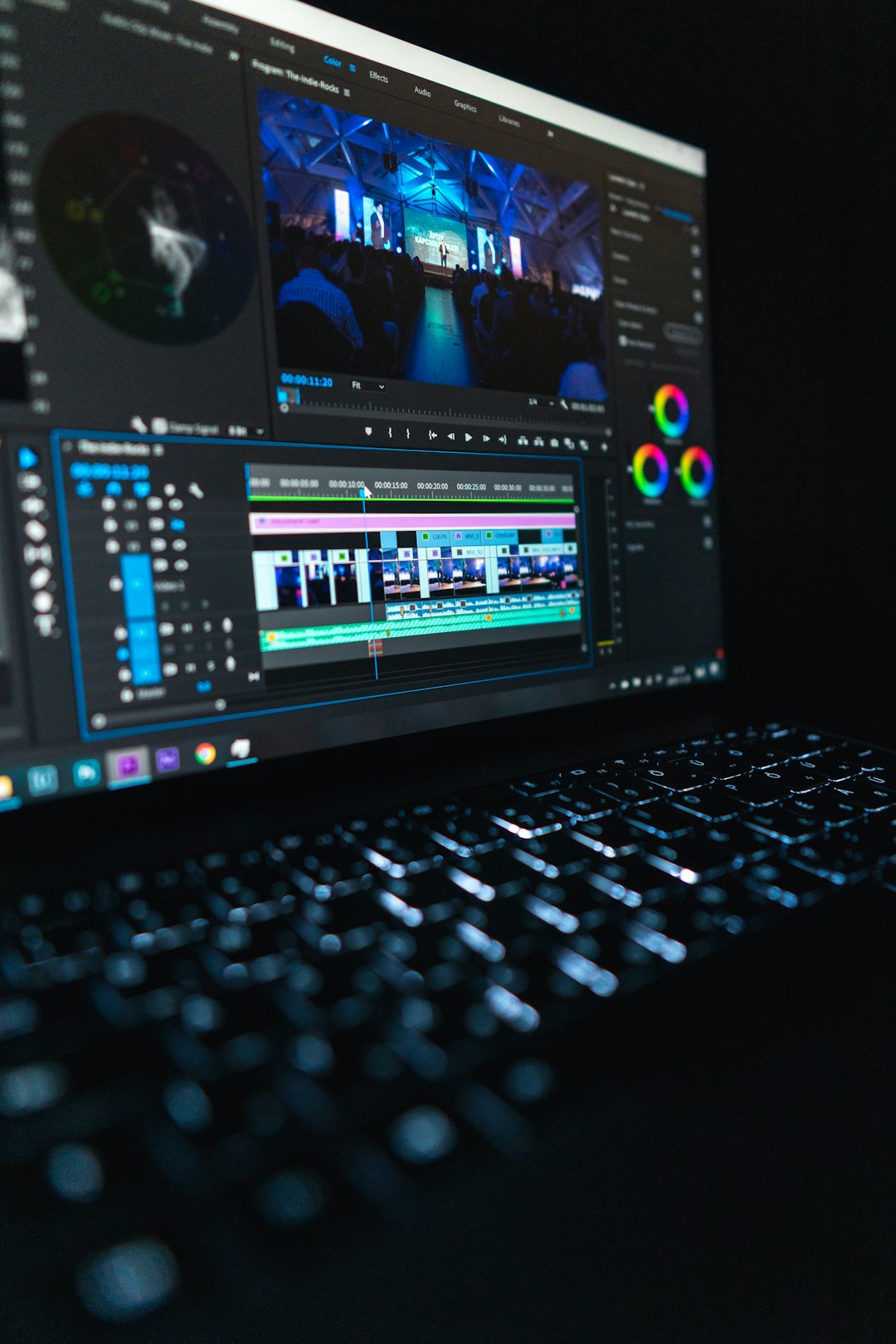
Reddit user testimonials frequently mention that although the interface can be overwhelming at first, plenty of free tutorials are available to guide you. For creators willing to invest time in learning, DaVinci Resolve can future-proof your editing workflow.
2. Shotcut – Best Open-Source Option
Shotcut stands out on Reddit for its open-source nature and cross-platform compatibility. Often described as beginner-friendly yet surprisingly feature-rich, Shotcut offers a balanced mix for those just getting started with video editing.
- Platform: Windows, macOS, Linux
- Best For: Simple-to-intermediate projects, open-source enthusiasts
- Pros: No watermarks, wide format support, customizable interface
- Cons: Interface can feel clunky, fewer advanced features than competitors
Many Redditors commend Shotcut for being lightweight and flexible. Unlike some open-source tools, it also receives consistent updates, which ensures stability and performance improvements over time. Its timeline editing, audio filters, and native 4K support make it a strong choice for YouTube beginners.
3. HitFilm Express – Best for Creators Interested in VFX
HitFilm Express, created by FXhome, garners praise from beginners and intermediate users alike. Reddit users often highlight its unique positioning in the free software space for offering advanced visual effects (VFX) features that other editors restrict behind paywalls.
- Platform: Windows, macOS
- Best For: Action-heavy content, effects-driven storytelling, gaming channels
- Pros: Free VFX tools, moderately easy to learn, tutorials available
- Cons: Limited export formats without addons, some features locked behind paywall

If your YouTube channel focuses on gaming, action, or cinematic storytelling, HitFilm Express may be the ideal starting point. Reddit users often note how you can add particle effects, light flares, or composite shots with a relatively gentle introduction to VFX editing.
4. CapCut – Best for Short-Form Content and Mobile Editing
CapCut, developed by ByteDance (the company behind TikTok), might surprise some YouTubers accustomed to desktop apps. However, Redditors often recommend it for beginners interested in producing short-form content, vlogs, or engaging reels. With both a mobile and web-based version, CapCut has become increasingly popular among those working primarily from their phones or tablets.
- Platform: iOS, Android, Web
- Best For: Short YouTube content, quick edits, vloggers
- Pros: Intuitive interface, built-in effects and music, cloud-based
- Cons: Not suitable for long-form editing, limited audio control
Although more optimized for 9:16 videos typical of TikTok or YouTube Shorts, many YouTubers who started with CapCut say it helped them get comfortable with basic concepts before moving to PC-based editors. It’s easy to learn and very community-driven with templates and effects available.
5. Lightworks – Best for Traditional Editing Workflow
Lightworks has long maintained a respectable presence in professional and semi-professional video circles. Redditors admire this tool for its combination of a traditional nonlinear editing interface with robust performance, especially in the free version.
- Platform: Windows, macOS, Linux
- Best For: Beginners wanting to learn industry-standard workflows
- Pros: Precise cutting tools, easy keyboard shortcuts, no watermark
- Cons: Export resolution limits in free version, outdated interface
One commonly mentioned drawback is that Lightworks’ free version limits exports to 720p. For those ready to upgrade, the Pro version offers 4K export and additional encoding options. Still, Reddit’s community of editors consider it an excellent platform to learn the workflow used by professional editors.
6. OpenShot – Best for Basic Edits and Learning the Basics
OpenShot is another open-source editor frequently highlighted on Reddit threads targeting absolute beginners. Designed with usability in mind, it provides a friendly drag-and-drop editing experience that’s ideal for simple video needs.
- Platform: Windows, macOS, Linux
- Best For: Newbies with no prior editing experience
- Pros: Super simple UI, lightweight, basic transitions and effects
- Cons: Occasional stability issues, fewer intermediate features
According to user feedback, OpenShot is perfect for creators looking to splice together clips, add text overlays, and insert background music without a steep learning curve. Some Redditors caution that it can occasionally crash on larger projects, but for small edits, it performs well.
Final Thoughts: Choosing Based on Your Needs
What Reddit makes abundantly clear is that there’s no one-size-fits-all solution. Each of the editors listed above offers specific advantages depending on what kind of content you aim to produce and how willing you are to learn. Here’s a quick rule of thumb based on hands-on Reddit feedback:
- Choose DaVinci Resolve if you want the power of professional tools and are ready to climb a learning curve.
- Go with Shotcut if you favor open-source tools and want balanced features out of the box.
- Opt for HitFilm Express if VFX and cool cinematic effects matter to you.
- Pick CapCut if you’re chasing virality with short-form mobile content.
- Try Lightworks if you aim to develop editing habits aligned with professional workflows.
- Use OpenShot if you’re just starting out and want a barebones, easy editor.
Reddit’s crowdsourced wisdom underscores the importance of experimenting with a few tools and observing what aligns best with your creative process. Thankfully, all six editors listed are free, allowing you to dive in without financial commitment. Start small, learn steadily, and let your videos speak for themselves.