

Choosing the right website platform in 2026 can feel overwhelming. There are more tools than ever. But two names still dominate the conversation: Webflow and WordPress. Both are powerful. Both are popular. Yet they work in very different ways. So which one should you choose?
TL;DR: Webflow is easier for designers who want visual control without plugins. WordPress is more flexible and powerful, especially for large or complex sites. Webflow is cleaner and more beginner-friendly in design. WordPress wins in customization, plugins, and long-term scalability. The best choice depends on your goals, budget, and technical confidence.
Quick Overview
WordPress started in 2003 as a blogging tool. Today, it powers over 40% of the web. It’s open-source. That means anyone can use and modify it.
Webflow launched in 2013. It’s a visual website builder. You design in a drag-and-drop interface. It generates clean code for you.
Simple summary?
- WordPress feels like building with Lego blocks.
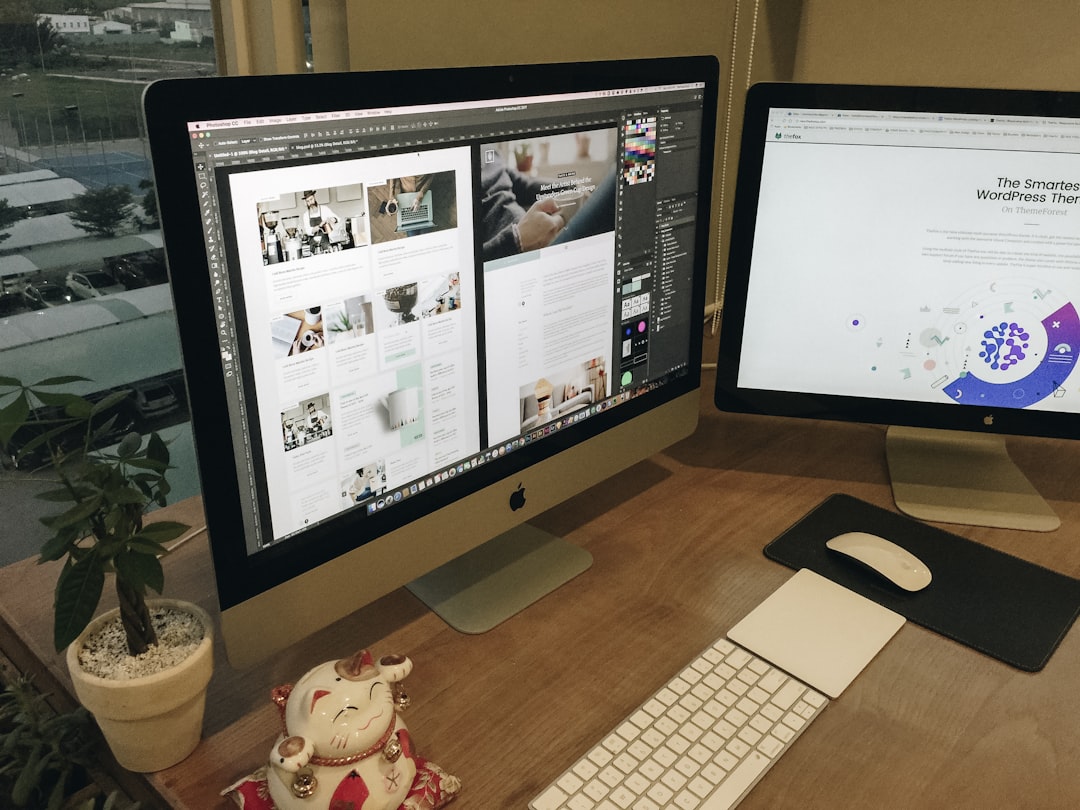
- Webflow feels like designing in Photoshop, but for websites.
Ease of Use
Webflow
Webflow is visual. What you design is what you get. You can see spacing, fonts, and layout instantly. No guesswork.
But it’s not “easy” like Wix. It has a learning curve. You need to understand basic web design concepts like:
- Margins
- Padding
- Flexbox
- Responsive design
Still, everything happens in one place. Hosting. Security. CMS. No juggling tools.
WordPress
WordPress by itself is simple. But most sites use themes and plugins. That’s where things get tricky.
You must:
- Choose hosting
- Install WordPress
- Select a theme
- Install plugins
- Keep everything updated
It’s powerful. But more moving parts means more responsibility.
Winner for simplicity: Webflow
Design Flexibility
Webflow
Design is where Webflow shines. You can customize every detail. Fonts. Animations. Layouts. Interactions.
No need for extra plugins for animations. It’s built in. Clean. Smooth. Professional.
Designers love it.
WordPress
WordPress design depends on your theme. Some themes are flexible. Others are restrictive.
Want full design freedom?
- Use a page builder like Elementor
- Or write custom code
But adding builders can slow your site down.
Winner for designers: Webflow
Plugins and Integrations
WordPress
This is WordPress’s superpower.
There are over 60,000 plugins. You can add:
- E-commerce stores
- Membership systems
- Learning platforms
- SEO tools
- Forums
- Booking systems
If you can imagine it, there’s probably a plugin.
Webflow
Webflow does not use plugins in the same way.
Instead, it relies on:
- Built-in features
- Custom code embeds
- Third-party integrations like Zapier
It works well for marketing sites. But complex features may require workarounds.
Winner for extensibility: WordPress
SEO Features
SEO matters. A lot.
Webflow
Webflow has strong built-in SEO controls:
- Custom meta titles and descriptions
- Clean code
- Automatic sitemaps
- Fast hosting
No extra plugin needed.
WordPress
WordPress shines with SEO plugins like:
- Yoast SEO
- Rank Math
- All in One SEO
These tools give advanced control and suggestions.
Winner: It’s a tie. Both can rank well if set up properly.
Performance and Speed
Webflow
Webflow hosting is optimized. Fast servers. Global CDN. Minimal setup.
Sites usually load quickly right out of the box.
WordPress
Speed depends on:
- Your hosting provider
- Your theme
- Your plugins
Poor hosting? Slow site.
Too many plugins? Slower site.
But with good optimization, WordPress can be extremely fast.
Winner for default performance: Webflow
Security
Webflow
Security is handled for you. SSL included. Updates automatic. Hosting managed.
Very little risk of breaking things.
WordPress
WordPress is secure. But it requires maintenance.
You must update:
- Core software
- Themes
- Plugins
Outdated plugins are common hack points.
Winner for peace of mind: Webflow
E-commerce Capabilities
WordPress
With WooCommerce, WordPress becomes a powerful store.
You can sell:
- Physical products
- Digital downloads
- Subscriptions
- Memberships
Highly customizable. Great for large stores.
Webflow
Webflow has built-in e-commerce. It’s clean and simple.
But not as flexible as WooCommerce. Complex stores may hit limits.
Winner for serious online stores: WordPress

Pricing in 2026
Webflow Costs
- Site plans start around mid-range monthly pricing
- Hosting included
- No need to buy separate hosting
Simple. Predictable.
WordPress Costs
- WordPress software is free
- Hosting costs monthly
- Premium themes cost extra
- Premium plugins may cost yearly fees
It can be cheap. Or expensive. Depends on your setup.
Winner for cost control: WordPress (if managed wisely)
Comparison Chart
| Feature | Webflow | WordPress |
|---|---|---|
| Ease of Use | Visual editor, moderate learning curve | Simple core, complex with plugins |
| Design Control | Full design freedom | Depends on theme or builder |
| Plugins | Limited, integration-based | 60,000+ plugins |
| SEO | Built-in tools | Powerful plugins |
| Performance | Fast out of the box | Depends on setup |
| Security | Managed and automatic | Manual updates required |
| E-commerce | Good for small to mid stores | Excellent with WooCommerce |
| Best For | Designers, agencies, marketers | Bloggers, businesses, developers |
Who Should Choose Webflow?
Choose Webflow if:
- You love design freedom
- You want everything in one platform
- You hate dealing with plugins
- You build marketing or portfolio sites
- You want strong performance without tech headaches
It’s clean. Modern. Visual.
Who Should Choose WordPress?
Choose WordPress if:
- You want maximum flexibility
- You plan a complex website
- You need advanced features
- You run a serious online store
- You don’t mind technical maintenance
It’s powerful. Expandable. Future-proof.
Final Verdict: Which Is Better in 2026?
There is no universal winner.
Webflow feels smoother. It’s great for creators who value design and simplicity.
WordPress feels limitless. It wins for customization and large-scale projects.
If you want control without complexity, pick Webflow.
If you want total power and flexibility, pick WordPress.
In 2026, both platforms are stronger than ever. The real question is not which one is better.
The real question is: What kind of website do you want to build?