
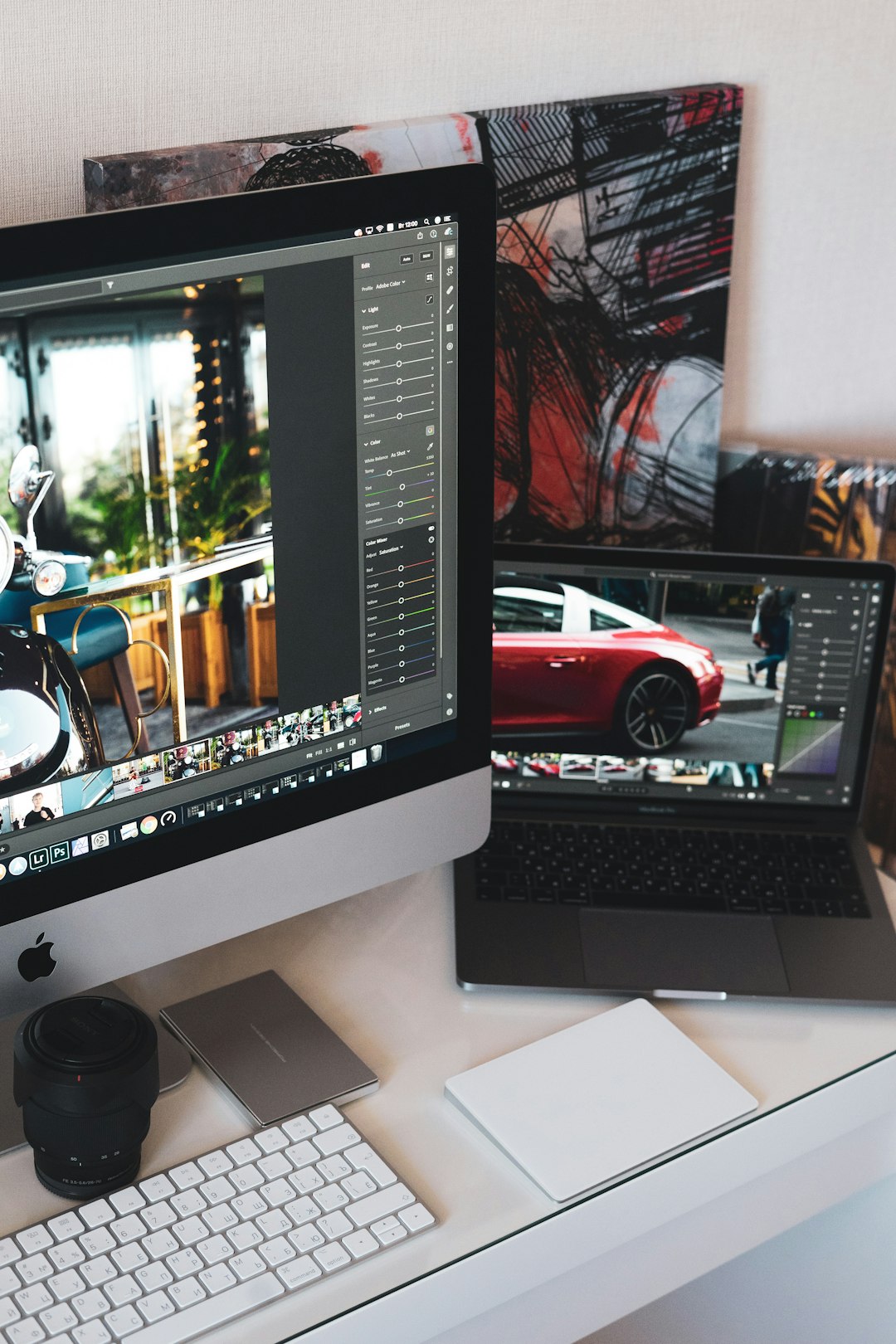
Clean image cutouts are no longer a luxury reserved for large studios. Designers, marketplace sellers, social media managers, and small business owners now rely on free online cutout tools to remove backgrounds, isolate objects, create product visuals, and prepare graphics quickly. When used carefully, these tools can save hours of manual editing while still producing professional results suitable for web stores, advertisements, catalogs, and presentations.
TLDR: Free online cutout tools help designers and sellers remove backgrounds and prepare polished visuals without expensive software. They are especially useful for product photos, social media graphics, thumbnails, and marketing assets. The best results come from choosing reliable tools, checking the edges carefully, and keeping brand consistency across all images. For commercial work, always review export quality, privacy terms, and licensing conditions before relying on any platform.
Why Cutout Tools Matter for Designers and Sellers
In digital commerce and visual communication, images often determine whether a customer stops scrolling or moves on. A clean cutout can make a product look more professional, help a design fit into different layouts, and allow a seller to reuse the same image across multiple platforms. For designers, cutouts provide flexibility. A subject can be placed on a colored background, incorporated into a banner, layered into a composition, or adapted for print and digital campaigns.
For online sellers, the value is even more direct. Marketplaces and storefronts usually favor clear product photos with minimal distractions. A cluttered background can reduce trust, while a sharp, well-lit product image on a clean background communicates quality. Free online cutout tools make this process accessible to people who may not have advanced photo editing skills or the budget for professional retouching on every item.

What Free Online Cutout Tools Typically Offer
Most modern online cutout platforms use automated detection to separate the main subject from the background. Many are powered by artificial intelligence, which can identify outlines, hair, fabric, packaging, furniture, people, animals, and many common product shapes. The basic workflow is usually simple: upload an image, wait for the automatic background removal, refine if needed, and download the result.
Common features include:
- Automatic background removal for products, portraits, logos, and objects.
- Transparent PNG export, useful for placing items on new backgrounds.
- Background replacement with solid colors, gradients, or uploaded images.
- Manual touch up tools for restoring or erasing areas around difficult edges.
- Batch processing on some platforms, allowing multiple images to be edited at once.
- Basic resizing and cropping for marketplace and social media requirements.
Free versions may come with limitations, such as lower resolution downloads, watermarks, daily limits, or restricted editing controls. Even so, they can be extremely useful for testing workflows, preparing draft visuals, or handling smaller projects.
Key Benefits for Designers
Designers often need speed, consistency, and flexibility. A cutout tool can reduce repetitive masking tasks and allow more time for creative decisions. Instead of manually tracing every object, a designer can generate a quick transparent background and then refine only the areas that matter most.
Speed is one of the main advantages. When producing concepts, ads, presentation slides, or mockups, a fast cutout can help a designer test several ideas before committing to a final layout. This is especially helpful when deadlines are short or when clients expect multiple visual directions.
Consistency is another important benefit. Designers working with product collections, staff portraits, event images, or brand assets need images that feel unified. Cutout tools make it easier to place different subjects onto the same background style, adjust spacing, and create visual harmony.
Flexibility matters when assets must be reused across websites, email campaigns, packaging, and social media. A transparent image can be adapted to many formats without requiring a new photoshoot. This helps maintain brand identity while reducing production costs.
Key Benefits for Online Sellers
For sellers, strong product imagery can improve perceived value and customer confidence. A buyer cannot touch or examine an item in person, so the image must answer questions quickly. Is the product shape clear? Are the details visible? Does it look professionally presented? Background removal helps focus attention where it belongs: on the item being sold.
Free cutout tools are particularly useful for:
- Marketplace listings that require or recommend plain backgrounds.
- Catalog images where every product should appear consistent.
- Promotional banners featuring products on seasonal or branded backgrounds.
- Social media posts where products need to stand out in busy feeds.
- Comparison images showing size, color, or version differences clearly.
Small sellers often operate with limited time and limited budgets. A free online cutout tool can be a practical bridge between unedited phone photography and fully outsourced professional image editing. While it does not replace expert retouching for high end campaigns, it can significantly raise the overall quality of everyday product images.
Image not found in postmetaHow to Choose a Reliable Free Cutout Tool
Not every free tool produces the same result. Some are excellent for simple products with clear outlines, while others perform better with portraits, hair, fabric, or complex shapes. Before making a tool part of your workflow, test it with images similar to the ones you use most often.
Consider the following criteria:
- Edge quality: Examine the outline closely. Poor cutouts often leave jagged edges, background halos, or missing details.
- Resolution: Check whether the free download size is sufficient for your website, marketplace, or print needs.
- File formats: Transparent PNG is essential for most cutout work. JPG may be useful for final images on solid backgrounds.
- Editing controls: A good tool should allow manual adjustments when automatic detection is imperfect.
- Privacy policy: For client work, confidential products, or unreleased designs, review how uploaded images are stored and processed.
- Commercial use terms: Make sure the tool allows use of exported images in business, advertising, and sales materials.
A trustworthy workflow is not only about convenience. It is also about protecting client assets, maintaining image quality, and avoiding licensing uncertainty.
Common Limitations of Free Tools
Free online cutout tools can be very effective, but they are not flawless. Designers and sellers should understand their limits to avoid publishing weak visuals. Highly reflective objects, transparent glass, fine jewelry, bicycles, lace, fur, and hair can be difficult for automatic systems. The tool may remove important details or leave unwanted fragments behind.
Another limitation is resolution. Some free platforms allow high quality previews but restrict downloads unless you upgrade. For web use, this may be acceptable. For large banners, printed packaging, or detailed zoom images, low resolution exports can look unprofessional.
There is also the issue of color accuracy. Some tools compress images or slightly alter tones during export. Sellers should pay particular attention to products where color accuracy affects purchasing decisions, such as clothing, cosmetics, artwork, furniture, and accessories.
Finally, free tools may not provide full control over shadows. Removing a background also removes the natural context of the photo. Without a realistic shadow or grounding effect, a product can look like it is floating. This is why a final design check is always necessary.
Best Practices for Better Cutouts
The quality of a cutout begins before the image is uploaded. Good source photography gives online tools a much better chance of producing clean results. A sharp, well-lit image with clear contrast between subject and background will usually outperform a dark or cluttered photo.
Follow these practical guidelines:
- Use even lighting to avoid harsh shadows and unclear edges.
- Photograph against a simple background whenever possible.
- Keep the subject in focus, especially around important edges and details.
- Avoid compression before uploading, because low quality images are harder to cut out cleanly.
- Review the result at full size, not only in a small preview window.
- Add realistic shadows when placing products on new backgrounds.
For professional use, do not rely entirely on automation. Even a strong AI cutout should be inspected before publication. Zoom in around corners, hair, handles, labels, transparent areas, and thin parts. A few minutes of review can prevent an image from looking careless.
Using Cutouts in Brand and Sales Materials
Once the background is removed, the image becomes a flexible asset. Designers can place it into campaign graphics, website hero sections, product grids, lookbooks, digital ads, packaging previews, and email headers. Sellers can create consistent product galleries, promotional bundles, and seasonal visuals without photographing the item repeatedly.
However, consistency is essential. A store where every product has a different scale, angle, shadow, and background can appear disorganized. When using cutout tools, create simple brand rules. Decide on background colors, product margins, image ratios, shadow softness, and export sizes. This turns individual cutouts into a coherent visual system.
For example, a seller of handmade ceramics might use transparent cutouts on a warm neutral background with soft shadows. A technology accessories shop might prefer pure white backgrounds for listings and dark gradient backgrounds for advertisements. A fashion designer might use cutout images for lookbooks, size charts, and social content while preserving a consistent editorial style.
Image not found in postmetaPrivacy and Professional Responsibility
When using any online service, privacy deserves serious attention. Uploading images to a free tool may seem harmless, but the files could include client products, unreleased designs, private portraits, internal packaging, or copyrighted material. Responsible designers and sellers should read the platform’s terms before uploading sensitive assets.
Look for clear information about file retention, data usage, commercial rights, and whether images may be used to improve the service. If the terms are vague or unsuitable for client work, consider using a paid professional service, offline software, or a tool with stronger privacy guarantees. Convenience should not come at the cost of confidentiality.
When to Upgrade or Use Professional Editing
Free cutout tools are ideal for many everyday tasks, but there are times when upgrading or hiring a professional is the better decision. High volume sellers may benefit from batch processing, high resolution exports, API access, and consistent quality controls. Designers working on premium campaigns may need advanced masking, retouching, color correction, and compositing that free tools cannot provide.
Professional editing is especially useful for luxury products, jewelry, glassware, complex apparel, beauty campaigns, and print advertising. In these cases, the image must stand up to close inspection. A small imperfection in a cutout can reduce the perceived value of the product or weaken the credibility of the brand.
Final Thoughts
Free online cutout tools have become valuable resources for both designers and sellers. They reduce technical barriers, speed up production, and make polished visuals more accessible to businesses of all sizes. Used thoughtfully, they can improve product presentation, support brand consistency, and help teams create marketing assets more efficiently.
The most reliable approach is to treat these tools as part of a professional workflow, not as a complete replacement for judgment. Start with good photography, choose tools with appropriate quality and privacy standards, inspect every result, and maintain consistent visual rules. With that discipline, free cutout tools can deliver serious value while keeping design and sales production practical, affordable, and efficient.