
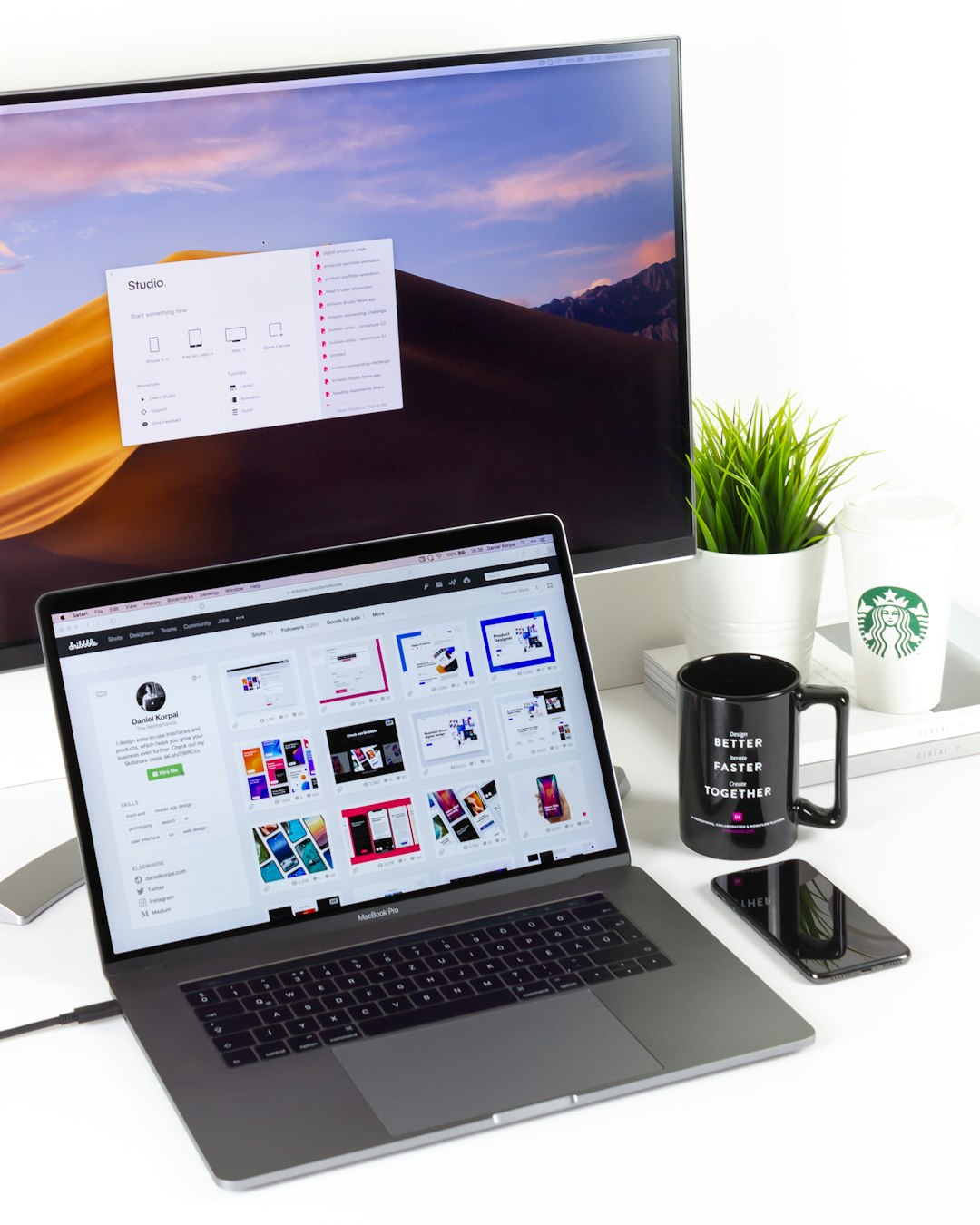
Reliable screen sharing software has become the backbone of modern communication. Whether teams are collaborating across cities or delivering client presentations across continents, meetings now depend on clear visuals, stable connections, and interactive features. While Zoom remains a dominant player, many organizations are looking for alternatives that offer stronger integrations, tighter security, or more flexible collaboration tools.
TLDR: Several screen sharing tools now rival Zoom in performance and features. Platforms such as Microsoft Teams, Google Meet, Cisco Webex, GoTo Meeting, and Zoho Meeting provide secure, collaboration-focused environments designed for professional use. The right choice depends on your organization’s size, ecosystem, and security needs. Selecting a tool that aligns with workflow and compliance requirements can significantly improve meeting efficiency.
Below, we examine five powerful screen sharing tools that enhance communication, streamline collaboration, and support effective decision-making in professional environments.
What Makes a Screen Sharing Tool Effective?
Before exploring specific platforms, it is important to understand the characteristics that define a truly effective screen sharing solution:
- High-resolution screen streaming with minimal latency
- Strong security protocols, including encryption and access controls
- Cross-platform compatibility across desktop, web, and mobile devices
- Integration capabilities with productivity suites and project management tools
- Collaboration features such as annotations, whiteboards, breakout rooms, and file sharing
Organizations that evaluate tools using these criteria are more likely to foster productive and efficient virtual meetings.
1. Microsoft Teams
Microsoft Teams has evolved into a comprehensive collaboration hub, making it a strong alternative to Zoom, particularly for organizations already using Microsoft 365.

Key Features
- High-quality screen sharing with presenter modes
- Deep integration with Word, Excel, PowerPoint, and Outlook
- Persistent team chat and file storage
- Advanced security and compliance certifications
One of Teams’ standout capabilities is its integrated ecosystem. Users can co-edit documents in real time while sharing screens, eliminating the need to switch between platforms. Its structured channels also reduce meeting clutter by keeping conversations and files organized.
For enterprise organizations, security and compliance features add another layer of assurance, particularly in regulated industries.
2. Google Meet
Google Meet is a streamlined, browser-based solution that emphasizes simplicity and accessibility. Organizations that rely on Google Workspace often prefer Meet because of its seamless integration with Gmail, Calendar, and Drive.
Key Features
- One-click access from Google Calendar
- Secure screen sharing from browser without software installation
- Automatic live captions powered by AI
- Real-time collaboration in Google Docs and Sheets
Google Meet excels in ease of deployment. Because it runs directly in a browser, IT teams spend less time managing installations and updates. Its lightweight infrastructure also makes it ideal for distributed teams with varying technical resources.
While it may not offer as many advanced webinar features as some competitors, it remains a reliable and secure option for everyday meetings.
3. Cisco Webex
Cisco Webex has long been associated with enterprise-grade video conferencing. It continues to stand out for its security focus and high-performance screen sharing technology.
Key Features
- End-to-end encryption options
- Real-time polling, Q&A, and engagement analytics
- High-definition screen sharing optimized for video and animation
- AI-powered meeting summaries and noise removal
Webex is particularly strong in large-scale environments, including corporate training sessions and global enterprise meetings. Its video optimization technology ensures smooth playback even during high-motion presentations, which is essential for product demos or technical walkthroughs.
Organizations that prioritize compliance, data integrity, and robust infrastructure often gravitate toward Webex as a reliable alternative to Zoom.
4. GoTo Meeting
GoTo Meeting is known for reliability and straightforward functionality. It focuses on delivering consistent performance without overwhelming users with unnecessary features.
Key Features
- One-click screen sharing
- Drawing and annotation tools
- Commuter mode for low-bandwidth environments
- Meeting transcription services
One of GoTo Meeting’s biggest strengths is its stability under lower bandwidth conditions. The commuter mode feature reduces data usage without significantly sacrificing quality, which can be critical for remote employees in areas with weaker internet infrastructure.
This makes the platform particularly effective for sales teams, consultants, and professionals who travel frequently.
5. Zoho Meeting
Zoho Meeting is a cost-effective solution tailored to small and medium-sized businesses. As part of the broader Zoho ecosystem, it integrates smoothly with CRM, project management, and finance applications.

Key Features
- Secure browser-based screen sharing
- Integration with Zoho CRM and other apps
- Webinar functionality with registration management
- Affordable pricing structure
For growing organizations, Zoho Meeting provides the core functionality required for professional communication without excessive overhead. Its integration capabilities enhance workflow continuity, allowing teams to initiate meetings directly from customer records or project dashboards.
While it may not offer the advanced enterprise depth of Webex, it provides strong value for smaller teams seeking dependable performance.
Comparison Chart
| Tool | Best For | Security Level | Integrations | Ease of Use |
|---|---|---|---|---|
| Microsoft Teams | Enterprise collaboration | Advanced enterprise compliance | Microsoft 365 ecosystem | Moderate |
| Google Meet | Lightweight team meetings | Strong cloud security | Google Workspace | High |
| Cisco Webex | Large organizations and training | Enterprise-grade encryption | Business apps and enterprise tools | Moderate |
| GoTo Meeting | Sales and remote professionals | Standard business security | CRM and scheduling tools | High |
| Zoho Meeting | Small to mid-sized businesses | Secure browser-based encryption | Zoho ecosystem | High |
How to Choose the Right Tool
When selecting a Zoom alternative, decision-makers should evaluate:
- Existing software ecosystem: Tools that integrate with current systems reduce friction.
- Security requirements: Regulated industries require advanced compliance features.
- Team size and scale: Large webinars demand stronger infrastructure.
- Budget constraints: Feature sets should align with long-term cost considerations.
- User experience: Adoption depends heavily on intuitive design.
A structured evaluation process ensures that the selected platform not only supports effective screen sharing but also strengthens broader communication workflows.
Final Thoughts
The digital workplace continues to evolve, and organizations can no longer treat screen sharing as a secondary feature. It is now central to presentations, decision-making, training sessions, and daily collaboration. While Zoom remains widely used, alternatives such as Microsoft Teams, Google Meet, Cisco Webex, GoTo Meeting, and Zoho Meeting demonstrate that the market offers diverse and capable options.
Choosing the right platform requires balancing performance, security, integration, and usability. When selected thoughtfully, a screen sharing solution does more than transmit visuals—it enhances clarity, promotes engagement, and ensures meetings lead to meaningful outcomes.
Ultimately, the most effective tool is the one that supports your organization’s strategic goals while delivering consistent, secure, and high-quality collaboration.