
Need a logo, but your wallet is hiding under the couch? Namecheap Free Logo Maker may be your new little helper. It is fast. It is simple. It is made for people who want a logo without learning design software.
TLDR: Namecheap Free Logo Maker is a quick and friendly tool for making simple logos in 2026. It is best for small businesses, blogs, side projects, and people who need a clean logo fast. It is not a full design studio, so do not expect deep custom design control. But for a free tool, it gives you a lot of value with very little stress.
What Is Namecheap Free Logo Maker?
Namecheap Free Logo Maker is an online tool that helps you create a logo in minutes. You answer a few questions. You choose a style. Then the tool gives you logo ideas.
It feels more like a friendly quiz than a design app. You do not need to draw. You do not need to know color theory. You do not need to understand fonts. That is good news for most of us.
The tool is made by Namecheap, a company best known for domains, hosting, and online business tools. So the logo maker fits nicely into the “start your brand” journey. You can get a domain. You can make a logo. You can begin building your online home.
In 2026, this kind of tool is very popular. Many new brands want to launch fast. They want something that looks decent today, not after six weeks of emails with a designer. Namecheap Free Logo Maker is built for that exact moment.
How It Works
The process is simple. Very simple. That is the main charm.
- Enter your brand name. This is the name that will appear in your logo.
- Add your industry. This helps the tool understand your business.
- Pick logo styles. You may choose looks you like.
- Select colors. You can guide the mood of your brand.
- View logo ideas. The tool generates options for you.
- Edit your favorite. You can adjust parts of the design.
- Download your logo. Then you can use it for your brand.
That is the whole dance. No fancy shoes needed.
The best part is the speed. You may have a usable logo before your coffee gets cold. If you are building a quick website, a newsletter, or a small shop, this is very useful.
First Impressions in 2026
Namecheap Free Logo Maker feels light and clean. It does not scare you with too many buttons. That matters. Many logo tools look simple at first, then suddenly turn into a spaceship control panel.
This one stays friendly. The steps are clear. The choices are easy to understand. The page loads smoothly in most normal browsing situations. You can move from idea to logo without feeling lost.
The tool also feels great for beginners. If you have never made a logo before, you will still understand what to do. It gently leads you from one step to the next.
However, designers may feel limited. That is not shocking. This is a free logo maker, not a professional design suite. It is made for speed, not pixel-level control.
Design Quality
Now let us talk about the big question. Do the logos look good?
The answer is: yes, many of them do. They are clean. They are modern. They are often simple in a good way. You can get icons, text marks, and mixed logo layouts.
The designs are best when your brand name is short. A name like “MintFox” or “BrightNest” will usually look better than “The International Association of Very Serious Candle Makers.” Long names are hard for any logo tool.
The logo options often work well for:
- Small business websites
- Side hustles
- Personal blogs
- YouTube channels
- Podcast cover branding
- Online stores
- Local services
- Simple app ideas
The logos may not feel fully custom. That is the trade-off. You are using a generator. Other people may create similar designs. If you need a totally unique luxury brand identity, hire a designer. If you need a nice logo before dinner, this tool can help.
Editing Options
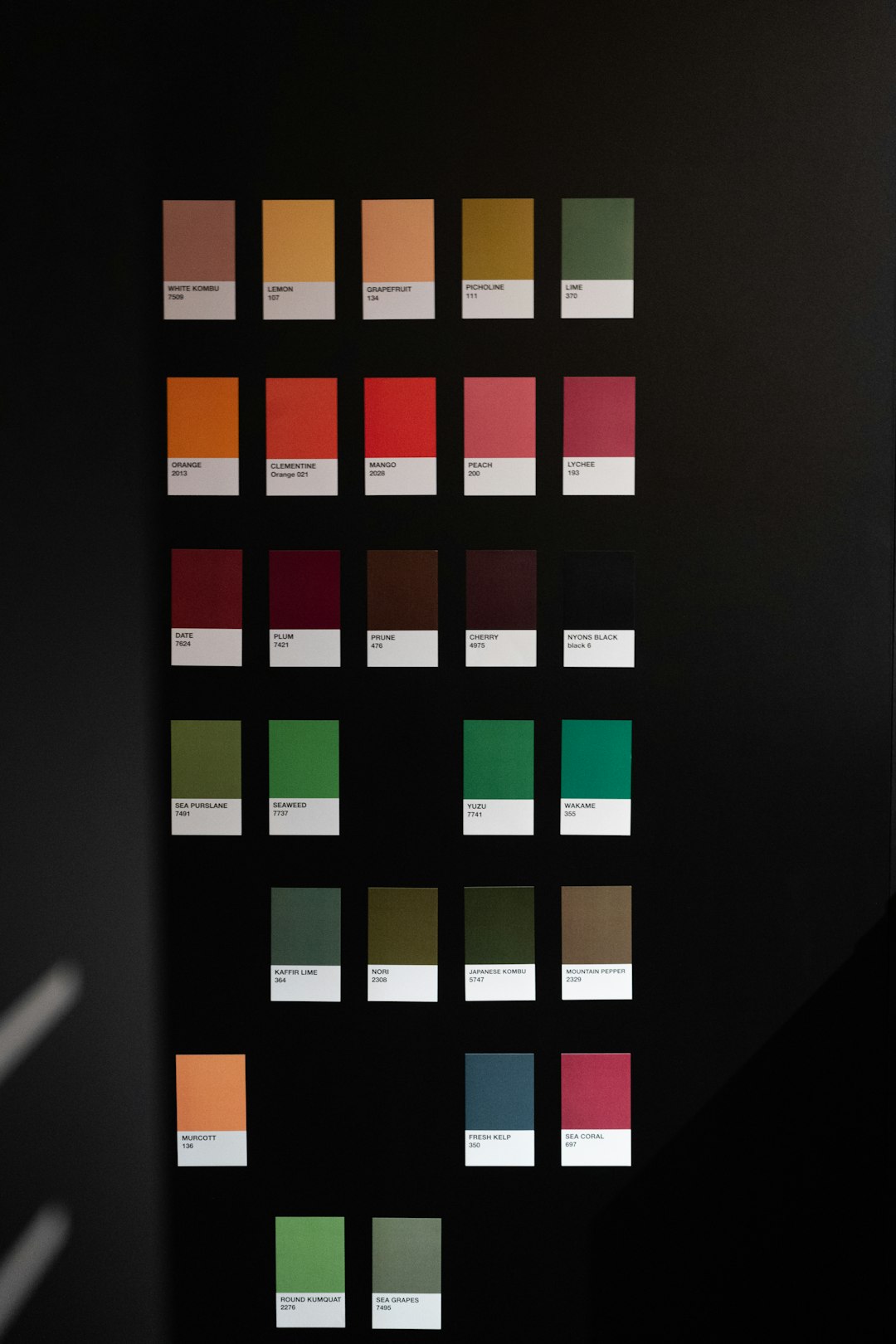
Namecheap Free Logo Maker gives you basic editing tools. You can usually change things like font, colors, layout, and icon choices. This lets you polish the logo until it feels closer to your brand.
The editing experience is not hard. That is a win. You can click, test, and change your mind. No shame. Logos are like haircuts. Sometimes you need to try a few before you say, “Yes, this is me.”
Still, the editing is not endless. You may not be able to adjust every tiny detail. You may not get advanced spacing tools. You may not be able to draw your own icon. For many users, that is fine. Too many options can turn a five-minute task into a three-hour crisis.
The tool works best when you accept its style. Choose a good base logo. Then make small edits. Do not fight it too much.
Is It Really Free?
The word free always deserves a raised eyebrow. We have all seen “free” things that suddenly ask for money right when we are happy.
Namecheap Free Logo Maker is known for letting users create and download logos without the usual big design fee. That is the main reason people like it. It gives small creators a way to start without paying for branding first.
As always, you should check the current download terms before using the logo for serious business. Tools can update their policies. File types can vary. Usage rules can change. That is normal online life.
But in spirit, this tool is meant to be a free and easy logo builder. That makes it very attractive for new projects.
Who Should Use It?
This tool is perfect for people who want something fast, simple, and good enough to launch.
You should try it if:
- You are starting a small business.
- You need a logo today.
- You have no design skills.
- You do not want to pay yet.
- You want several logo ideas quickly.
- You need branding for a test project.
- You want a clean logo for social media.
You may not love it if:
- You need a deeply custom brand identity.
- You want full control over every shape.
- You already have a strict design system.
- You need complex illustration work.
- You want a logo with a very unusual concept.
Think of it like instant noodles. Very useful. Surprisingly satisfying. Not the same as a chef-made meal. But sometimes instant noodles save the day.
Best Features
Namecheap Free Logo Maker has several strong points. Some are obvious. Some are quiet but important.
1. It Is Easy
This is the star feature. You can use it without tutorials. The steps make sense. The wording is clear. You can make progress right away.
2. It Is Fast
You can generate many logo ideas in a short time. This is great for brainstorming. Even if you do not use the final logo, it can help you find your style.
3. It Is Beginner Friendly
The tool does not assume you are a designer. It asks simple questions. It gives visual choices. That lowers the pressure.
4. It Gives Many Options
You are not stuck with one design. You can explore different icons, colors, and font styles. This makes the process more fun.
5. It Fits the Startup Flow
If you are already using Namecheap for a domain or website, the logo maker feels like a natural next step. It helps you move from “idea” to “brand” faster.
Weak Spots
No tool is perfect. Not even the magical ones that promise to change your life before lunch.
The biggest weakness is limited originality. Generated logos can look a little familiar. That is not always bad. Simple logos often share common shapes. But it can be a problem if you need a logo that feels one of a kind.
Another weakness is limited advanced editing. You can change several things, but you may hit a wall if you want exact control.
Also, the quality depends on your choices. If you pick clashing colors and a weird icon, the result may look odd. The tool helps, but it cannot stop every design crime. Sadly, neon green and muddy brown are still legal.
Tips for Getting a Better Logo
Want better results? Use a few simple tricks.
- Keep your name short. Short names look cleaner.
- Choose simple icons. Simple icons are easier to remember.
- Use two colors max. Too many colors can feel messy.
- Pick readable fonts. Fancy fonts can become hard to read.
- Test it small. Your logo should look good as a tiny profile image.
- Try several styles. Do not marry the first option.
- Ask a friend. Fresh eyes help.
Also, think about where the logo will appear. A logo for a bakery can be warm and soft. A logo for a cybersecurity company should feel sharp and trustworthy. A logo for a pet brand can be playful. A law firm logo shaped like a dancing banana may be brave, but not wise.
Namecheap Free Logo Maker vs Hiring a Designer
This is not a fair fight because they solve different problems.
A designer gives you strategy. They ask deep questions. They study your market. They create something custom. They can build a full identity with colors, typography, rules, and brand assets.
Namecheap Free Logo Maker gives you speed. It gives you a decent logo quickly. It costs little or nothing to start. It is great when you need momentum.
Use the logo maker when your idea is new. Use a designer when your business is growing and your brand needs more depth.
Many smart founders start simple. Then they upgrade later. That is normal. Your first logo does not need to be your forever logo. It just needs to help you begin.
Final Verdict
Namecheap Free Logo Maker is a strong choice in 2026 for quick and simple logo creation. It is not a magic brand machine. It will not replace a skilled designer for serious custom work. But it does a very good job for beginners and small projects.
It is easy to use. It gives lots of ideas. It feels friendly. It helps you move forward without fear. That matters a lot when you are starting something new.
If you need a logo for a new business, blog, shop, or side hustle, try it. Play with the styles. Test the colors. Download a version you like. Then get back to building your thing.
Bottom line: Namecheap Free Logo Maker is fun, fast, and useful. It is best for simple branding on a small budget. For a free tool, it punches above its weight. And yes, your couch wallet can stay hidden for now.