

Modern teams rarely work in the same room anymore, yet they are still expected to brainstorm, innovate, and solve complex problems together. This shift has fueled the rise of online whiteboard tools like Stormboard that replicate—and often enhance—the experience of standing around a physical whiteboard. These digital collaboration platforms allow participants to share ideas in real time, organize thoughts visually, and turn discussions into actionable plans. As businesses search for more efficient ways to collaborate remotely and in hybrid environments, online whiteboards have become indispensable.
TLDR: Online whiteboard tools such as Stormboard improve idea sharing by giving teams a visual, interactive space for brainstorming and collaboration. They support real-time contributions, structured workflows, and easy integration with other project management platforms. Compared to traditional methods, digital whiteboards enhance clarity, participation, and documentation. Organizations that adopt them often see faster decisions and more inclusive collaboration.
Why Idea Sharing Needs Better Tools
Effective idea sharing is the foundation of innovation. Whether a team is developing a new product, refining internal processes, or planning a marketing campaign, success depends on how well ideas are captured and refined.
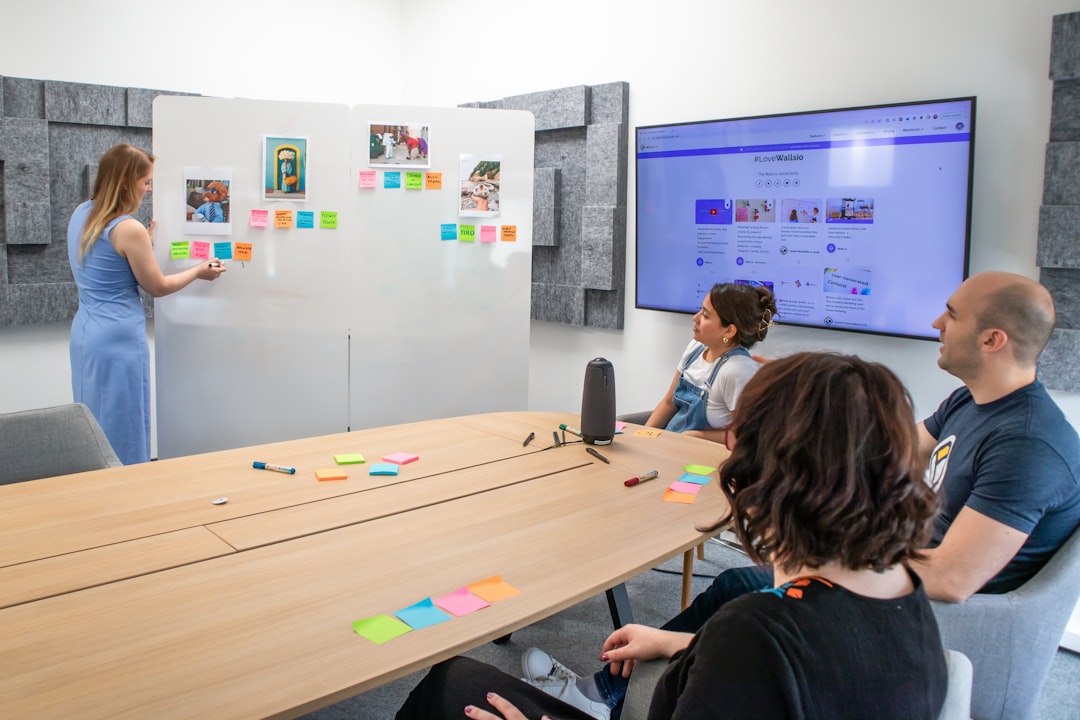
Traditional brainstorming methods—flip charts, sticky notes, and physical whiteboards—have limitations:
- Location dependence: Participants must be physically present.
- Limited documentation: Notes can be lost or misinterpreted.
- Uneven participation: Dominant voices can overshadow quieter contributors.
- Manual organization: Grouping and prioritizing ideas takes time.
Online whiteboard tools address these issues by creating a digital space where ideas are instantly visible, editable, and shareable. They not only digitize brainstorming but also transform how teams collaborate.
What Makes Online Whiteboards Effective?
Platforms like Stormboard stand out because they go beyond simple drawing tools. They combine visual collaboration with structured workflows. Key features typically include:
- Digital sticky notes for rapid idea capture
- Real-time collaboration with simultaneous editing
- Commenting and voting tools to prioritize ideas
- Templates for agile planning, SWOT analysis, mind mapping, and more
- Integration with productivity apps like Slack, Microsoft Teams, and Trello
- Export and reporting capabilities for turning ideas into action
These features make idea sharing more inclusive and productive, especially for distributed teams.

How Stormboard Improves Idea Sharing
Stormboard is often recognized for its structured approach to brainstorming. Unlike freeform whiteboards, it emphasizes organization and accountability.
1. Structured Brainstorming
Stormboard allows teams to categorize ideas into sections and group them easily. This reduces clutter and ensures that discussions stay focused.
2. Built-In Prioritization Tools
Voting features enable participants to rank ideas democratically. Instead of lengthy debates, teams can quickly see which ideas resonate most.
3. Actionable Outputs
Ideas can be converted into tasks and exported to project management systems. This bridges the gap between ideation and execution.
4. Remote Accessibility
Team members can contribute from anywhere, whether they are in the office, at home, or across the globe.
The result is a more transparent and efficient workflow that captures every voice.
Other Popular Online Whiteboard Tools
While Stormboard is powerful, several other platforms offer similar benefits. Each has unique strengths depending on team needs.
- Miro: Known for expansive canvases and creative flexibility.
- MURAL: Focuses on guided collaboration and facilitation.
- Microsoft Whiteboard: Integrates seamlessly with the Microsoft ecosystem.
- Jamboard (legacy users): Simple interface for quick collaboration.
Below is a comparison chart outlining key differences:
| Feature | Stormboard | Miro | MURAL | Microsoft Whiteboard |
|---|---|---|---|---|
| Structured Templates | Extensive, workflow focused | Wide variety | Facilitator guided | Basic templates |
| Voting & Prioritization | Built in and robust | Available | Available | Limited |
| Task Export | Strong integrations | Integrations supported | Integrations supported | Microsoft tools only |
| Ease of Use | Structured and intuitive | Flexible but can overwhelm | Moderate learning curve | Very simple |
| Best For | Organized team ideation | Creative collaboration | Facilitated workshops | Internal Microsoft teams |
Benefits for Different Teams
Product Development Teams
Online whiteboards streamline sprint planning, backlog grooming, and feature prioritization. Visual roadmaps clarify objectives and dependencies.
Marketing Teams
From campaign brainstorming to customer journey mapping, visual boards help teams align messaging strategies.
Executive Leadership
Strategic planning sessions benefit from clear visualization of goals, risks, and opportunities.
Educators and Trainers
Interactive whiteboards increase engagement in virtual classrooms and workshops.
Key Advantages Over Traditional Brainstorming
1. Equal Participation
Many tools allow anonymous submissions. This empowers quieter team members to contribute without hesitation.
2. Real-Time Collaboration
Participants can build on each other’s ideas instantly, regardless of geography.
3. Automatic Documentation
All ideas are saved and searchable. There is no risk of losing sticky notes or smudging ink.
4. Scalability
Large organizations can host sessions with dozens or even hundreds of participants.
5. Data-Driven Decisions
Voting analytics and engagement metrics provide measurable insight into team preferences.
Best Practices for Maximizing Impact
To get the most from online whiteboard tools, teams should follow several best practices:
- Define clear objectives before the session begins.
- Use templates to guide discussions and reduce confusion.
- Assign a facilitator to keep conversations focused.
- Encourage equal input through timed idea generation rounds.
- Summarize and assign next steps at the end of each session.
When used strategically, these tools become more than digital canvases—they evolve into innovation engines.
Security and Accessibility Considerations
Organizations evaluating whiteboard platforms should also consider:
- Data encryption and compliance standards
- User permission controls
- Accessibility features such as screen reader compatibility
- Cross-device usability on desktops, tablets, and smartphones
Security is especially important for enterprises handling sensitive information during strategic planning or product development sessions.

The Future of Visual Collaboration
The evolution of online whiteboards is closely tied to advances in artificial intelligence and immersive technology. Features such as automatic idea clustering, smart summaries, and predictive task assignment are becoming more common. Some platforms are experimenting with virtual and augmented reality environments to simulate in-person workshops.
As remote and hybrid work models remain prevalent, the demand for intuitive visual collaboration tools will only grow. Online whiteboards are no longer optional enhancements; they are central to effective modern teamwork.
Conclusion
Online whiteboard tools like Stormboard have transformed how teams share and refine ideas. By combining visual collaboration, structured workflows, and seamless integrations, they eliminate many traditional brainstorming barriers. Whether used by agile developers, marketers, executives, or educators, these platforms create more inclusive and productive idea-sharing environments. Organizations that embrace them position themselves to innovate faster and collaborate more effectively in an increasingly digital world.
Frequently Asked Questions (FAQ)
1. What is an online whiteboard tool?
An online whiteboard tool is a digital platform that allows users to brainstorm, plan, and collaborate visually in real time through features like sticky notes, diagrams, and templates.
2. How does Stormboard differ from other whiteboard tools?
Stormboard emphasizes structured brainstorming, built-in prioritization tools, and strong task export capabilities, making it particularly useful for turning ideas into actionable outcomes.
3. Are online whiteboards suitable for remote teams?
Yes. They are specifically designed to support real-time collaboration across different locations, making them ideal for remote and hybrid teams.
4. Can these tools integrate with project management software?
Most major platforms integrate with popular productivity and project management tools, enabling seamless workflow transitions from ideation to execution.
5. Are online whiteboard tools secure?
Reputable providers offer encryption, user authentication, and compliance with industry standards. Organizations should review each tool’s security policies before adoption.
6. Do online whiteboards require training?
Many platforms are intuitive, but short onboarding sessions or tutorials can help teams fully leverage advanced features and templates.