
In the current creator economy, a memorable photo edit can turn an ordinary post into a scroll-stopping moment. The “dopest” aesthetic is not just about heavy filters or flashy effects; it is about attitude, visual identity, mood, and timing. Whether a creator wants glossy influencer portraits, moody street shots, dreamy film colors, or surreal viral edits, the right app can make the difference between a forgettable upload and a share-worthy masterpiece.
TLDR: The best photo editing apps for a “dopest” aesthetic combine easy tools, trendy effects, and strong creative control. Apps like Lightroom, VSCO, Picsart, Snapseed, Canva, Prequel, CapCut, and Adobe Photoshop Express help creators build viral-ready visuals. The strongest edits usually balance bold style with clean composition, consistent colors, and a recognizable personal vibe.
What Makes a Photo Edit Look “Dopest”?
A “dopest” photo edit usually feels fresh, confident, and instantly recognizable. It may feature high contrast, cinematic tones, neon lighting, grainy film textures, glowing skin, dramatic skies, or stylized cutouts. However, the most viral edits often avoid looking random. They follow a visual direction that matches the creator’s personality, niche, or story.
For example, a streetwear creator may prefer sharp shadows, cool tones, and urban textures. A beauty creator may lean toward soft light, smooth skin, and warm pastel palettes. A travel creator might choose vivid blues, golden highlights, and dreamy haze. The app matters because it gives the creator access to the exact tools needed to shape that identity.
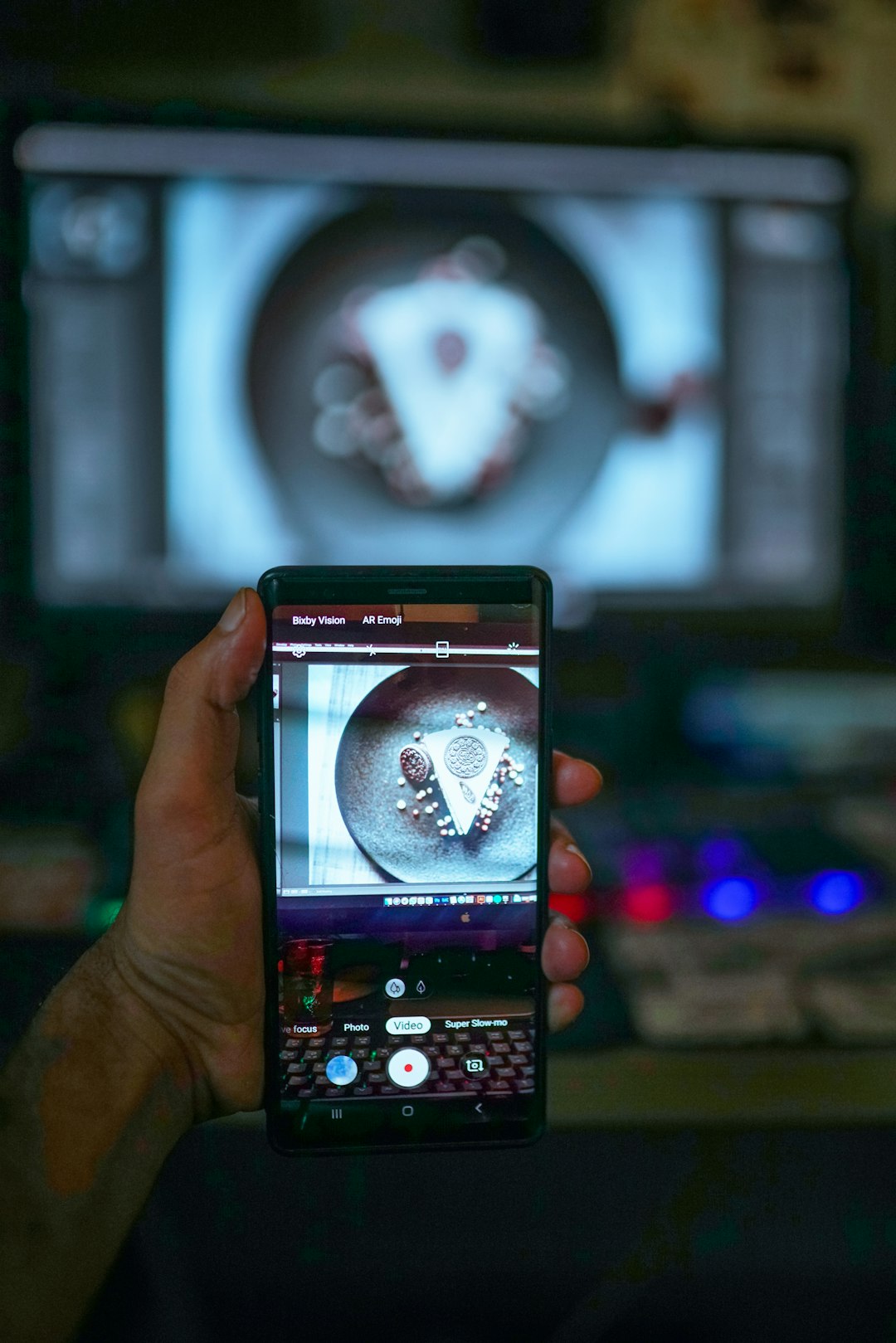
1. Adobe Lightroom: Best for Professional Color and Clean Aesthetics
Adobe Lightroom remains one of the strongest apps for creators who want polished, professional-looking edits. It is especially useful for building a consistent Instagram feed, TikTok thumbnail style, or personal brand aesthetic. Lightroom’s biggest strength is color control. A creator can adjust exposure, contrast, highlights, shadows, temperature, tint, saturation, and individual color channels with precision.
The app is ideal for cinematic edits, moody tones, golden hour looks, and clean influencer presets. Many viral aesthetics begin with Lightroom because it allows subtle changes that make an image feel expensive without looking over-edited. Presets also help creators repeat the same look across multiple photos, which is important for visual consistency.
- Best for: Color grading, professional presets, lifestyle photography
- Top aesthetic: Clean, cinematic, premium, editorial
- Why it goes viral: It makes photos look intentional and high quality
2. VSCO: Best for Film-Inspired and Minimal Edits
VSCO is a favorite among creators who love a soft, artistic, and film-inspired look. Its filters are known for being tasteful rather than extreme. Instead of making images look artificial, VSCO often adds a natural mood through faded blacks, muted tones, soft grain, and analog-style color shifts.
This app works well for creators who want a low-key but stylish feed. It is especially effective for fashion, travel, food, music, and lifestyle content. VSCO’s film presets can make a simple photo feel nostalgic, intimate, and effortlessly cool. For the “dopest” aesthetic, VSCO is less about loud effects and more about quiet confidence.
- Best for: Film filters, soft color, minimal editing
- Top aesthetic: Vintage, indie, soft, artsy
- Why it goes viral: It creates a relaxed, authentic mood that feels curated
3. Picsart: Best for Bold, Creative, and Trendy Edits
Picsart is one of the best apps for creators who want edits that look playful, loud, and highly shareable. It offers stickers, cutouts, background removal, AI effects, text overlays, collage tools, sketch effects, glitch filters, and more. This makes it perfect for viral edits that need personality and impact.
Picsart is especially useful when a creator wants to transform a regular photo into a meme-style graphic, music-cover-inspired image, fantasy portrait, or social media poster. It is not limited to subtle adjustments. Instead, it encourages experimentation. A creator can add glowing outlines, replace backgrounds, layer images, or create surreal scenes that look made for reposts.
- Best for: Collages, stickers, cutouts, experimental effects
- Top aesthetic: Bold, chaotic, Y2K, pop art, internet culture
- Why it goes viral: It helps photos become eye-catching and highly original
4. Snapseed: Best for Fast, Powerful, Free Editing
Snapseed is a strong choice for creators who want professional editing tools without a complicated interface. It includes selective adjustments, curves, healing, brush tools, perspective correction, HDR effects, and detailed sharpening. The app is especially impressive because many of its tools feel advanced while remaining easy to use.
Snapseed is great for making quick improvements before posting. A creator can brighten a face, remove distractions, enhance details, and improve composition in minutes. Its selective tool is particularly useful because it allows edits to specific areas rather than the entire image. That means a subject can be brightened while the background stays moody, or a sky can be intensified without changing skin tones.
- Best for: Quick fixes, selective edits, natural enhancement
- Top aesthetic: Crisp, clean, realistic, balanced
- Why it goes viral: It improves photos without making them feel fake
5. Prequel: Best for Trendy Filters, Glows, and Retro Effects
Prequel has become popular with creators who want trendy, expressive, and dramatic visual styles. It offers effects such as VHS, disco, sparkle, grain, prism, glow, cyber, and dreamy retro filters. These effects are ideal for creators who want a photo to match music trends, fashion edits, or nostalgic internet aesthetics.
Prequel works especially well for portraits, nightlife shots, festival images, and mirror selfies. The app can turn basic lighting into something more cinematic or surreal. Its glow and sparkle effects are particularly useful for beauty and fashion content because they add energy without requiring a professional lighting setup.
- Best for: Trend filters, glow effects, retro styles
- Top aesthetic: VHS, cyber, dreamy, party, glam
- Why it goes viral: It matches fast-moving social media trends quickly
6. CapCut: Best for Photo Edits That Feel Like Social Media Motion Trends
Although CapCut is widely known as a video editing app, it is also powerful for photo-based edits. Many viral posts use still images inside motion templates, transitions, beat edits, and animated effects. CapCut helps creators transform photos into short visual experiences that feel made for TikTok, Reels, and Shorts.
For a “dopest” aesthetic, CapCut is helpful when a still image needs extra movement. A creator can add zooms, flashes, overlays, lyrics, 3D effects, background blur, and trending transitions. This is especially useful for fashion lookbooks, birthday edits, couple photos, music-inspired posts, and glow-up content.
- Best for: Photo animations, templates, social media transitions
- Top aesthetic: Viral, energetic, music-driven, dramatic
- Why it goes viral: It connects photo editing with trending short-form content
7. Canva: Best for Social Posts, Thumbnails, and Aesthetic Layouts
Canva is ideal for creators who need more than single-photo edits. It works well for Instagram carousels, Pinterest pins, TikTok thumbnails, YouTube thumbnails, story posts, posters, and promotional graphics. The app includes templates, fonts, frames, background tools, and layout options that make content look polished quickly.
Canva is especially useful when a creator wants a clean branded look. It can combine edited photos with typography, shapes, icons, and color palettes. For viral content, strong design matters because people often decide whether to click, save, or share based on the first visual impression.
- Best for: Layouts, thumbnails, carousels, social graphics
- Top aesthetic: Clean, branded, modern, editorial
- Why it goes viral: It makes content easy to understand and visually clickable
8. Adobe Photoshop Express: Best for Retouching and Advanced Fixes
Adobe Photoshop Express gives creators access to quick retouching, background tools, blemish removal, filters, overlays, and correction features. It is a strong option for those who want more detailed control than basic filter apps provide, but without the complexity of full desktop software.
The app is useful for portraits, product shots, fashion content, and polished lifestyle images. It can help remove distractions, improve lighting, smooth small imperfections, and sharpen the final result. When used carefully, it creates a refined look that still feels natural.
- Best for: Retouching, corrections, polished edits
- Top aesthetic: Smooth, clean, commercial, refined
- Why it goes viral: It helps photos look flawless while staying social-friendly
How Creators Can Build a Viral Editing Style
The best app is only part of the process. A viral edit usually comes from a repeatable style. Creators who post consistently with similar colors, lighting, framing, and effects often become more recognizable. This does not mean every image must look identical, but it should feel like it belongs to the same visual world.
Strong viral edits usually include a few key ingredients:
- A clear subject: The viewer should instantly know where to look.
- Strong contrast: Light, shadow, color, or texture should create visual energy.
- Consistent tones: A repeated color palette helps build recognition.
- Trendy details: Effects such as grain, glow, blur, or cutouts can increase shareability.
- Restraint: Even bold edits need balance so the final image does not feel messy.
Many creators use more than one app. For instance, a creator might start in Lightroom for color, move to Snapseed for selective fixes, then finish in Picsart or Prequel for creative effects. Another creator may design a thumbnail in Canva after editing the image in Photoshop Express. Combining apps often produces the most distinctive results.
Best App Combinations for Different Aesthetics
- Clean influencer aesthetic: Lightroom + Photoshop Express
- Moody streetwear aesthetic: Lightroom + Snapseed
- Y2K viral aesthetic: Picsart + Prequel
- Film-inspired aesthetic: VSCO + Snapseed
- TikTok photo trend aesthetic: CapCut + Prequel
- Branded creator aesthetic: Canva + Lightroom
Final Thoughts
The “dopest” photo editing app depends on the creator’s goal. For professional color, Lightroom is hard to beat. For film vibes, VSCO remains a classic. For bold viral creativity, Picsart and Prequel offer playful tools that stand out. For social media motion trends, CapCut adds energy, while Canva helps package visuals into clickable content.
Ultimately, the strongest edits come from taste, consistency, and experimentation. A creator who understands mood, color, and audience behavior can turn almost any app into a powerful tool. The best approach is to choose one primary editing app, master its strengths, then add a second or third app when a trend or concept requires something extra.
FAQ
What is the best photo editing app for a viral aesthetic?
Picsart, Prequel, and CapCut are often best for viral aesthetics because they include trendy effects, templates, overlays, and bold creative tools.
Which app is best for professional-looking photo edits?
Adobe Lightroom is one of the best choices for professional edits because it offers advanced color grading, presets, and detailed lighting controls.
What app gives photos a film look?
VSCO is especially popular for film-style edits. It offers soft filters, muted tones, grain, and vintage-inspired color effects.
Is Snapseed good for beginners?
Yes. Snapseed is beginner-friendly but still powerful. It is especially useful for quick fixes, selective edits, and natural-looking improvements.
Can one app create the perfect aesthetic?
One app can create a strong aesthetic, but many creators combine apps. For example, Lightroom may be used for color, while Picsart or Prequel may be used for special effects.
What is the best free photo editing app?
Snapseed is one of the strongest free options. It includes advanced tools without requiring a complicated workflow.
How can creators make edits look less overdone?
They can reduce filter intensity, keep skin tones natural, avoid too many effects at once, and focus on clean composition. A balanced edit usually performs better than one that feels crowded.
Which app is best for Instagram posts and carousels?
Canva is excellent for Instagram carousels, story graphics, thumbnails, and branded layouts because it combines images with fonts, shapes, and templates.